

Choosing the right WordPress hosting is important for building a fast, secure, and reliable website. With so many hosting providers available, finding the right option can be challenging.
In this guide, we compare the 5 best WordPress hosting providers, including Hostinger, Bluehost, SiteGround, DreamHost, and WP Engine. Explore their features, hosting plans, performance, security, pricing considerations, pros, and cons. We also explain different hosting types, important selection factors, WordPress installation steps, and common hosting problems to help you choose the right hosting for your website.
What Is WordPress Hosting?
WordPress hosting is a web hosting service specially designed to run WordPress websites. It provides the server resources, storage, security, and tools needed to build and manage a WordPress website.
Many WordPress hosting providers offer features such as one-click WordPress installation, automatic updates, free SSL certificates, backups, and performance optimization. It makes website management easier for beginners, bloggers, freelancers, and businesses.
Why Do You Need WordPress Hosting?
WordPress hosting provides the resources and tools needed to keep your website fast, secure, and accessible online. Choosing reliable hosting can improve website performance and make website management easier.
Key Benefits:
- Better Performance: Optimized server resources help your website load faster.
- Improved Security: SSL certificates, firewalls, and malware protection help protect your website.
- Easy WordPress Management: One-click installation and automatic updates simplify website management.
- Regular Backups: Backups help restore your website if something goes wrong.
- Technical Support: Hosting support teams can help solve server and hosting-related issues.
- Website Scalability: You can upgrade your hosting plan as your website grows.
Types of WordPress Hosting
1. Shared WordPress Hosting
Affordable hosting where multiple websites share the same server resources. Best for beginners, blogs, and small websites.
2. Managed WordPress Hosting
Includes automatic updates, backups, security, and performance optimization. Best for businesses and users who want easy website management.
3. VPS Hosting
Provides dedicated virtual resources with better performance, control, and flexibility. Best for growing websites.
4. Cloud Hosting
Uses multiple connected servers for better scalability and reliability. Best for websites with changing or increasing traffic.
5. Dedicated Hosting
Provides an entire physical server for one website. Offers maximum control and resources. Best for large businesses and high-traffic websites.
Best WordPress Hosting Comparison Table
| Hosting Provider | Best For | Hosting Type | Main Advantage |
| Hostinger | Beginners | Shared, Cloud, VPS | Affordable pricing |
| Bluehost | WordPress Beginners | Shared, VPS, Dedicated | Easy setup |
| SiteGround | Growing Websites | Shared, Cloud | Performance & Security |
| DreamHost | Bloggers | Shared, VPS | Budget-friendly plans |
| WP Engine | Businesses | Managed WordPress | Premium WordPress tools |
1. Hostinger
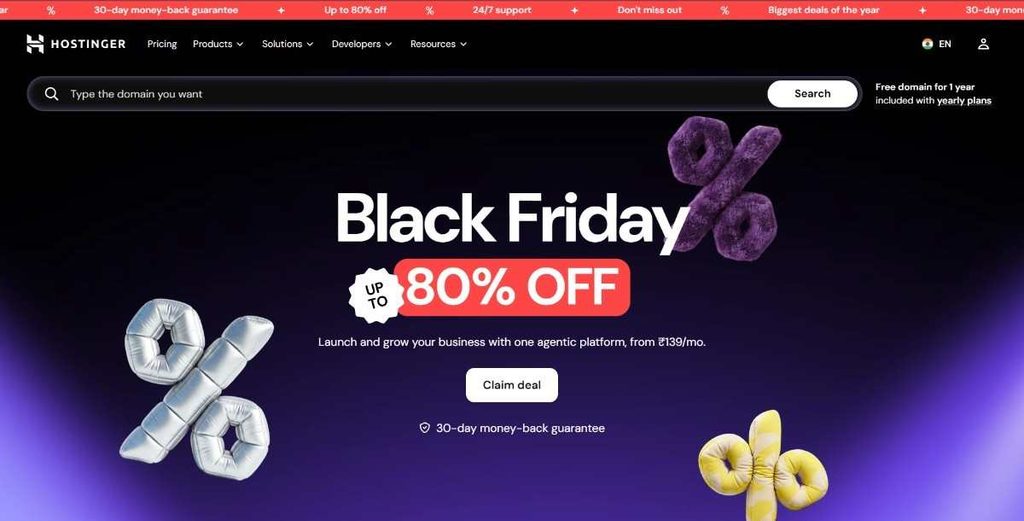
Brand Overview: Affordable hosting provider for beginners and small businesses.
Hosting Plans & Pricing: Shared, WordPress, Cloud, and VPS Hosting.
Key Features: Free SSL, free migration, LiteSpeed, and website builder.
Performance & Uptime: Fast loading with LiteSpeed technology and 99.9% uptime guarantee.
Security Features: SSL, malware protection, DDoS protection, and backups.
Ease of Use: Simple hPanel dashboard.
WordPress Compatibility: Easy WordPress installation and management.
Customer Support: 24/7 live chat support.
Pros: Affordable plans, easy setup, free SSL.
Cons: Higher renewal prices, limited entry-plan features.
Best For: Beginners, bloggers, and small businesses.
2. Bluehost
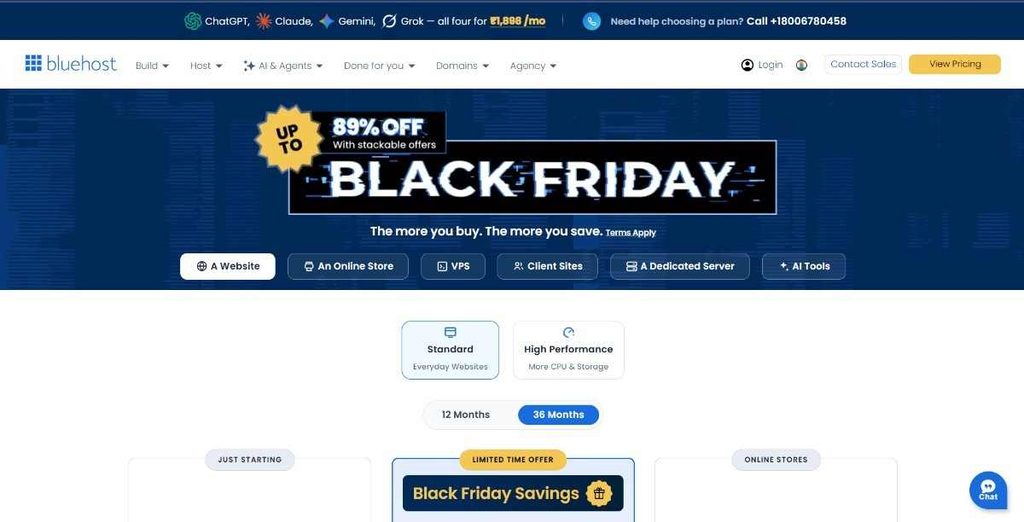
Brand Overview: Popular hosting provider known for beginner-friendly WordPress hosting.
Hosting Plans & Pricing: Shared, WordPress, VPS, and Dedicated Hosting.
Key Features: Free domain, SSL, website builder, and migration.
Performance & Uptime: SSD/NVMe storage and caching technology.
Security Features: SSL, malware scanning, and backups.
Ease of Use: Simple dashboard and one-click WordPress installation.
WordPress Compatibility: WordPress hosting and staging tools.
Customer Support: 24/7 chat and phone support.
Pros: Easy setup, free domain, WordPress support.
Cons: Higher renewal costs, some paid add-ons.
Best For: Beginners, bloggers, and WordPress users.
3. SiteGround
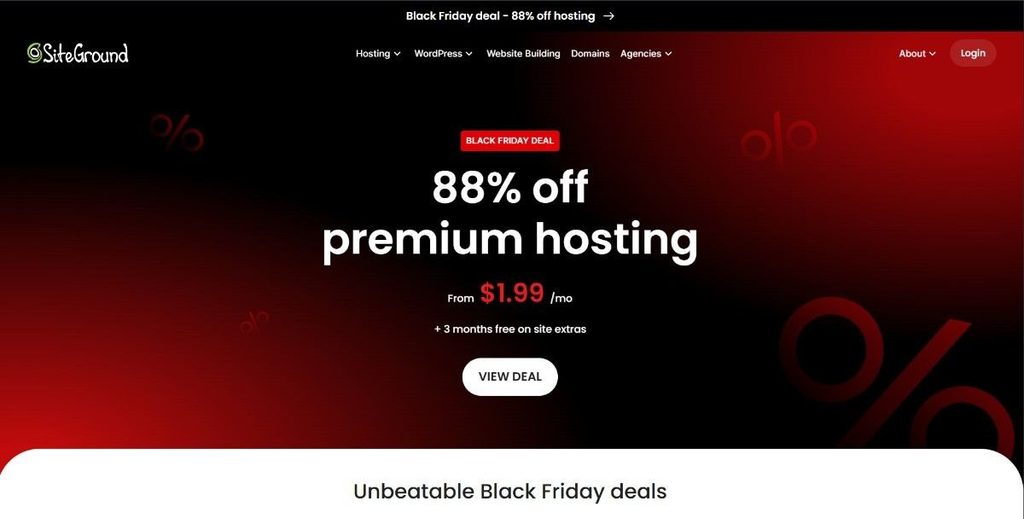
Brand Overview: Hosting provider focused on performance, security, and customer support.
Hosting Plans & Pricing: StartUp, GrowBig, GoGeek, and Cloud Hosting.
Key Features: Free SSL, CDN, daily backups, and advanced caching.
Performance & Uptime: Google Cloud infrastructure and 99.9% uptime guarantee.
Security Features: Firewall, malware protection, and daily backups.
Ease of Use: Easy-to-use Site Tools dashboard.
WordPress Compatibility: Managed updates, staging, and migration tools.
Customer Support: 24/7 chat and phone support.
Pros: Strong security, speed, and support.
Cons: Higher renewal prices, limited entry-plan storage.
Best For: Growing businesses and WordPress websites.
4. DreamHost
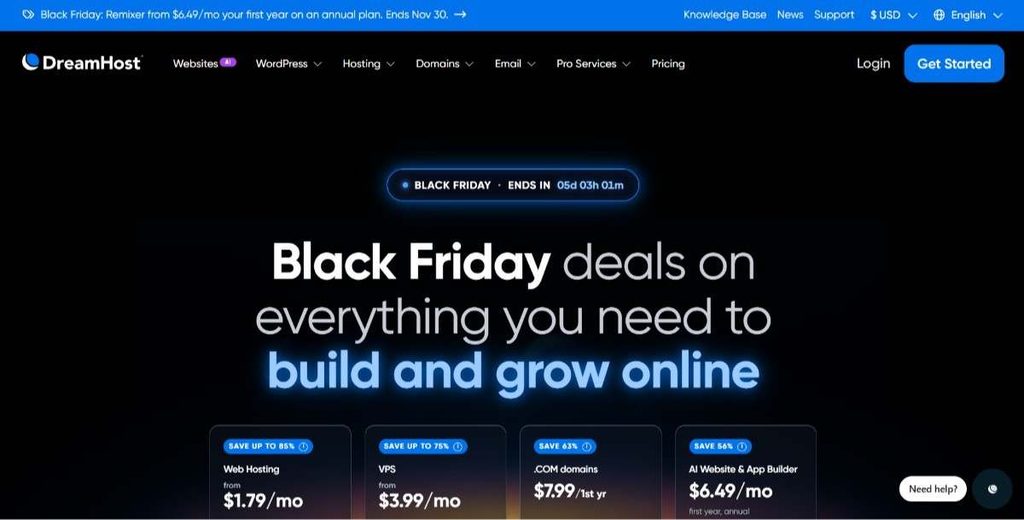
Brand Overview: Established hosting provider offering affordable website and WordPress hosting.
Hosting Plans & Pricing: Shared, WordPress, VPS, and Dedicated Hosting.
Key Features: Free SSL, domain, backups, and website builder.
Performance & Uptime: SSD storage and 100% uptime guarantee for eligible services.
Security Features: SSL, backups, and malware protection options.
Ease of Use: Simple custom control panel.
WordPress Compatibility: WordPress installation and managed hosting.
Customer Support: Live chat and ticket support.
Pros: Affordable plans, free domain, automatic backups.
Cons: Limited phone support, higher renewal prices.
Best For: Bloggers, personal websites, and budget users.
5. WP Engine
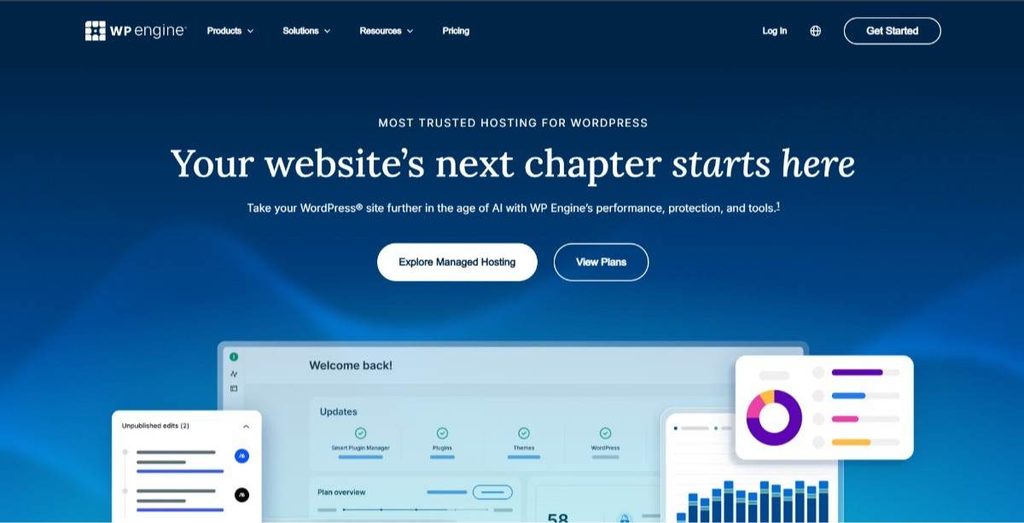
Brand Overview: Premium managed WordPress hosting provider for businesses and developers.
Hosting Plans & Pricing: Startup, Professional, Growth, and Scale.
Key Features: Automatic updates, staging, daily backups, and caching.
Performance & Uptime: Optimized infrastructure for WordPress performance.
Security Features: SSL, DDoS protection, and security monitoring.
Ease of Use: Easy website management with advanced tools.
WordPress Compatibility: Fully focused on managed WordPress hosting.
Customer Support: Expert WordPress support.
Pros: Excellent WordPress tools, advanced security, staging.
Cons: Expensive plans, limited non-WordPress hosting.
Best For: Businesses, agencies, and high-traffic websites.
How We Choose the Best WordPress Hosting
Choosing the best WordPress hosting requires checking important factors such as speed, security, pricing, and customer support. We consider the following features when comparing hosting providers.
- Performance and Speed: We look at server technology, storage, caching, and website loading performance.
- Uptime and Reliability: We check uptime guarantees and reliability features.
- Security Features: We compare SSL certificates, malware protection, firewalls, and backups.
- Pricing and Renewal Costs: We consider introductory prices, renewal rates, and included features.
- Customer Support: We evaluate available support channels and technical assistance.
- WordPress Features: We check one-click installation, automatic updates, staging tools, and WordPress optimization.
- Ease of Use: We consider how easily beginners can manage their hosting accounts.
Editorial note: Only describe hands-on tests, performance measurements, or independent reviews if you have actually conducted or verified them.
Best WordPress Hosting for Different Needs
Not every website requires the same hosting plan. The right choice depends on your website size, traffic, technical knowledge, and budget.
| Website Type | Recommended Provider | Why Choose It? |
| Beginners | Hostinger | Affordable and easy to use |
| WordPress Beginners | Bluehost | Simple WordPress setup |
| Growing Websites | SiteGround | Performance and security tools |
| Personal Blogs | DreamHost | Budget-friendly hosting |
| Business Websites | WP Engine | Managed WordPress features |
These are suggested starting points, not guaranteed rankings. Compare the current plans before choosing.
How to Choose WordPress Hosting
Before purchasing a WordPress hosting plan, consider your website requirements and long-term goals.
Important Things to Check:
- Understand Your Budget: Compare starting prices and renewal costs.
- Check Storage: Choose enough storage for your website files, images, and databases.
- Look at Performance: Check server resources, caching, and available technologies.
- Review Security: Look for SSL, malware protection, and regular backups.
- Check WordPress Support: Choose hosting with easy WordPress installation and management.
- Compare Customer Support: Make sure technical support is available when needed.
- Consider Future Growth: Select a provider that offers easy plan upgrades.
Choosing hosting based on these factors can help you avoid unnecessary expenses and website performance problems.
How to Install WordPress on Hosting
Installing WordPress is simple with most modern hosting providers. Many companies offer one-click installation through their hosting dashboard.
Follow these steps:
- Choose a Hosting Provider: Select a suitable WordPress hosting plan.
- Register a Domain: Choose a domain name for your website if you do not already have one.
- Log In to Your Hosting Account: Open your hosting dashboard or control panel.
- Find WordPress Installer: Look for the WordPress installation option.
- Enter Website Details: Add your website name, administrator username, password, and email address.
- Complete Installation: Select your domain and start the installation process.
- Log In to WordPress: Visit yourdomain.com/wp-admin to access your WordPress dashboard.
- Customize Your Website: Choose a theme, install necessary plugins, and publish your first page or post.
Common WordPress Hosting Problems
Sometimes WordPress website owners experience hosting-related problems that affect website speed, security, and availability. Understanding these issues can help you find solutions quickly.
| Common Problem | Possible Solution |
| Slow Website Loading | Optimize images, enable caching, and use a CDN. |
| Website Downtime | Contact your hosting provider and check server status. |
| SSL Certificate Errors | Install or renew your SSL certificate. |
| Database Connection Error | Check database credentials and server availability. |
| Limited Storage | Remove unnecessary files or upgrade your hosting plan. |
| Security Issues | Update WordPress, themes, and plugins; use security protection. |
| Backup Problems | Enable automatic backups and check backup availability. |
Regular website maintenance and reliable hosting support can help reduce these problems.
Final Thoughts
Choosing the best WordPress hosting depends on your website needs, budget, traffic, and technical experience. Hostinger and Bluehost are suitable options for beginners, while SiteGround is worth considering for growing websites. DreamHost can be a good choice for bloggers, and WP Engine offers premium managed WordPress hosting for businesses.
Before choosing a provider, compare hosting plans, renewal prices, performance, security, storage, and customer support. Also, consider your website’s future growth and the features included in each plan.
The right WordPress hosting can make website management easier and help your website perform reliably as it grows. Choose a hosting provider that matches your requirements and long-term goals.
Frequently Asked Questions (FAQs)
1. What is the best WordPress hosting in 2026?
Hostinger, Bluehost, SiteGround, DreamHost, and WP Engine are popular WordPress hosting providers. The best option depends on your budget, website requirements, and expected traffic.
2. Which WordPress hosting is best for beginners?
Hostinger and Bluehost are beginner-friendly options. They offer easy-to-use dashboards, simple WordPress installation, and features that help new website owners manage their websites.
3. How much does WordPress hosting cost?
WordPress hosting costs vary depending on the provider, hosting type, and plan features. Shared hosting is generally more affordable, while managed WordPress, VPS, and cloud hosting can cost more.
4. What is the difference between shared and managed WordPress hosting?
Shared hosting allows multiple websites to share server resources, making it affordable. Managed WordPress hosting includes specialized services such as automatic updates, backups, security, and performance optimization.
5. Is free WordPress hosting good for websites?
Free hosting may work for testing or learning, but it often has limited storage, performance, security, and support. Paid hosting is generally a better choice for professional websites and businesses.
6. Can I change my WordPress hosting provider later?
Yes. You can move your WordPress website to another hosting provider through manual migration or migration tools. Some hosting companies also provide free migration services.
7. Does WordPress hosting include a free domain?
Some hosting providers offer a free domain for the first year with selected plans. However, availability and renewal costs vary, so check the plan details before purchasing.
8. How much storage do I need for a WordPress website?
A small blog or business website may need relatively little storage, while image-heavy websites, online stores, and large websites require more space. Choose a plan based on your content and future needs.
9. Is managed WordPress hosting worth the money?
Managed WordPress hosting can be worth the cost if you want automatic updates, backups, security monitoring, and specialized support. It is particularly useful for businesses and websites that need easier management.
10. What should I check before buying WordPress hosting?
Check website speed, uptime, storage, security, SSL certificates, backup options, customer support, WordPress features, starting prices, and renewal costs before choosing a hosting plan.