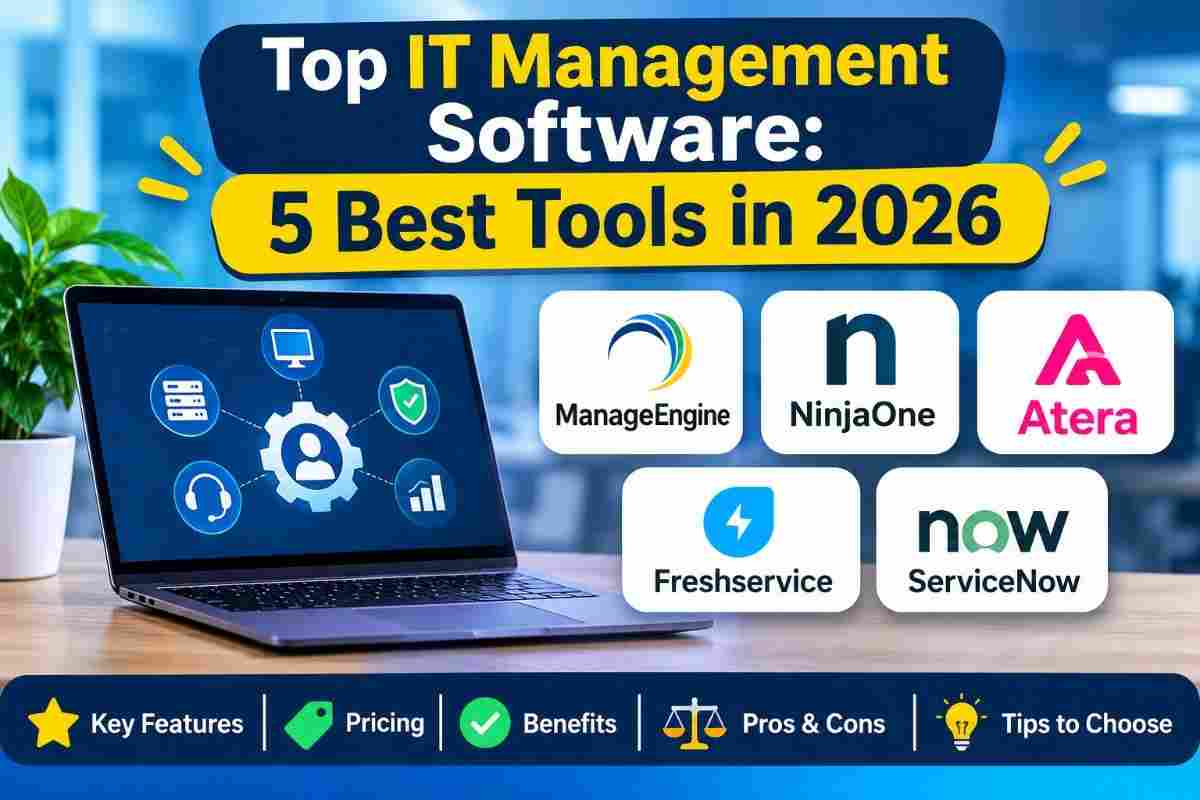
Managing IT operations, devices, and networks can be challenging for businesses. The right Top IT Management Software makes these tasks easier by helping teams monitor systems, fix technical issues, and automate daily work. In this guide, we explore the top 5 IT Management Software tools, including ManageEngine, NinjaOne, Atera, Freshservice, and ServiceNow. Compare their features, pricing, benefits, and pros and cons. We also explain free vs paid software, supported devices, integrations, security, and important factors to help you choose the right solution.
What Is IT Management Software?
IT Management Software is a tool that helps businesses manage their IT operations, devices, networks, and technical services from one platform. It allows IT teams to monitor systems, manage software updates, fix technical issues, and track IT assets. These tools also offer automation and reporting features that reduce manual work, improve security, and keep business operations running smoothly.
Types of Top IT Management Software
There are different types of IT Management Software designed to handle specific business needs.
- IT Service Management (ITSM): Manages IT support tickets, incidents, and service requests.
- Remote Monitoring and Management (RMM): Helps IT teams monitor and manage devices remotely.
- IT Asset Management (ITAM): Tracks and manages hardware, software, and IT assets.
- Network Management Software: Monitors network performance and connectivity.
- Endpoint Management Software: Manages and secures computers, laptops, and other devices.
IT Management Software Comparison Table
| Software | Best For | Pricing |
|---|---|---|
| ManageEngine | Overall IT management | Free & Paid |
| NinjaOne | Endpoint management | Custom |
| Atera | All-in-one IT management | Paid |
| Freshservice | IT service desk | Paid |
| ServiceNow | Enterprise IT management | Custom |
Detailed Overview of the Top 5 IT Management Software
1. ManageEngine
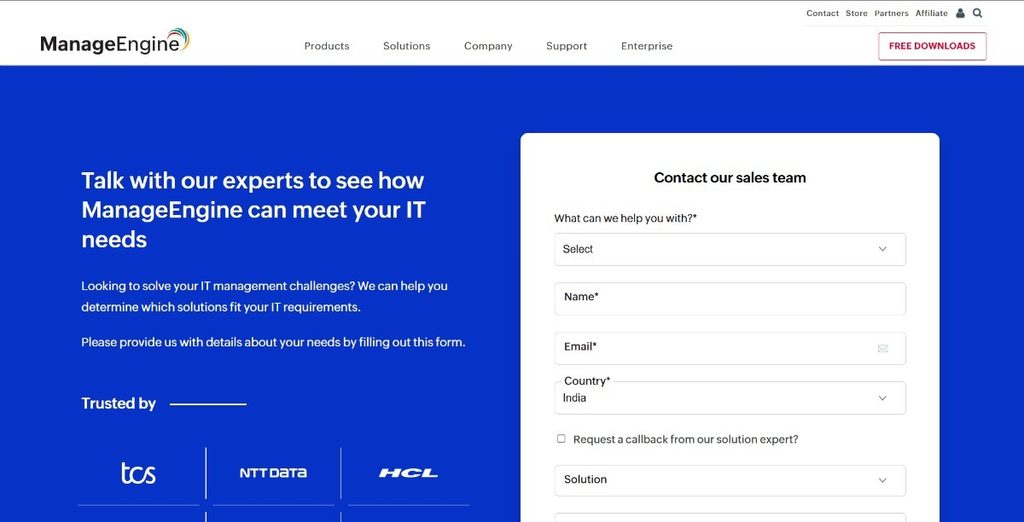
Overview: ManageEngine helps businesses manage IT infrastructure, devices, networks, and service operations.
Key Features:
- IT asset management
- Network monitoring
- Patch management
- Help desk management
Main Benefits: Simplifies IT operations, improves security, and reduces manual work.
Best For: Small, medium, and large businesses.
Pricing Plans: Offers free and paid plans depending on the product.
Pros and Cons:
- Pros: Wide range of tools and flexible solutions.
- Cons: Some tools can be difficult to configure.
Things to Consider: Check product features, pricing, and business requirements.
2. NinjaOne
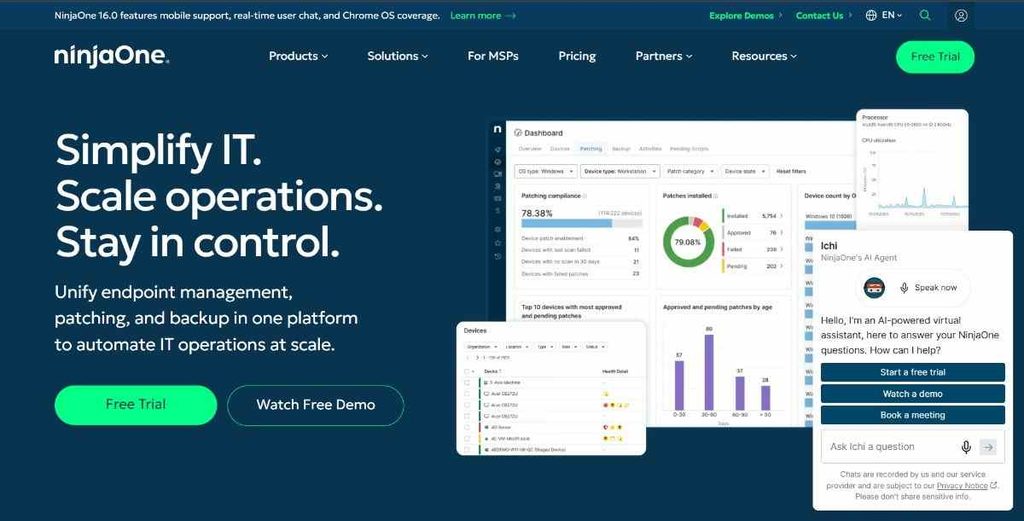
Overview: NinjaOne helps IT teams monitor, manage, and secure devices remotely.
Key Features:
- Remote device monitoring
- Patch management
- Remote access
- Endpoint security
Main Benefits: Saves time, improves device security, and simplifies IT management.
Best For: MSPs and IT teams managing multiple devices.
Pricing Plans: Custom pricing based on devices and selected services.
Pros and Cons:
- Pros: Easy-to-use interface and strong automation.
- Cons: Pricing is not fully transparent.
Things to Consider: Check device compatibility, integrations, and pricing.
3. Atera
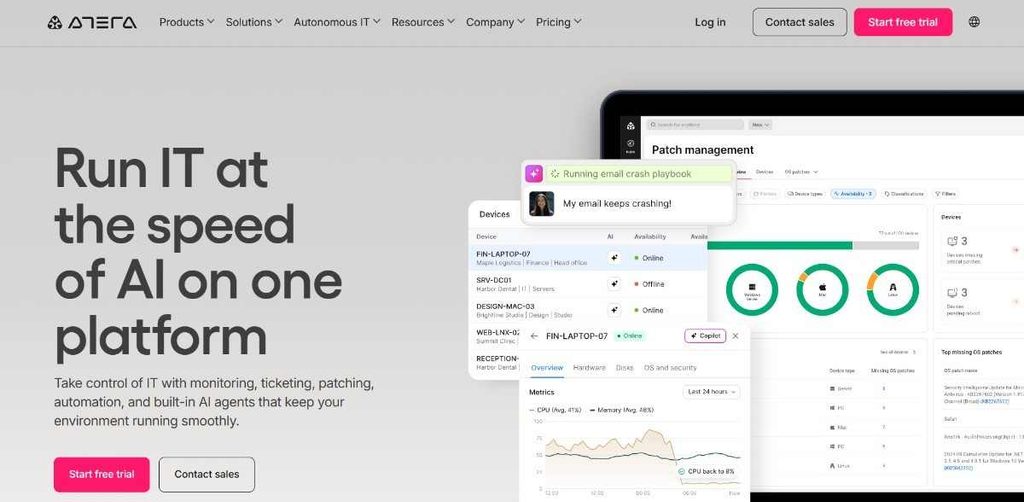
Overview: Atera is an all-in-one IT management platform for monitoring devices and managing IT services.
Key Features:
- Remote monitoring
- Help desk management
- Patch management
- IT automation
Main Benefits: Combines multiple IT tools and reduces manual tasks.
Best For: MSPs, IT consultants, and small businesses.
Pricing Plans: Offers subscription plans based mainly on technicians.
Pros and Cons:
- Pros: All-in-one platform and useful automation.
- Cons: Advanced features may cost more.
Things to Consider: Compare pricing, device limits, and available features.
4. Freshservice
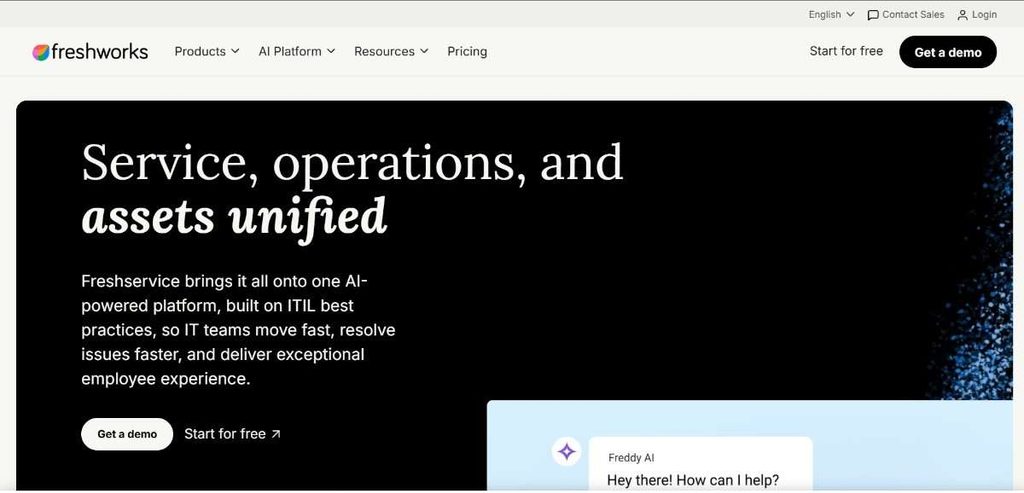
Overview: Freshservice is an IT service management platform that helps businesses manage tickets, assets, and employee requests.
Key Features:
- Ticket management
- IT asset management
- Workflow automation
- Self-service portal
Main Benefits: Simplifies IT support and helps teams resolve issues faster.
Best For: Small and medium-sized businesses.
Pricing Plans: Offers Starter, Growth, Pro, and Enterprise plans.
Pros and Cons:
- Pros: Easy to use and strong ticket management.
- Cons: Advanced features require higher plans.
Things to Consider: Check agent limits, integrations, and automation features.
5. ServiceNow
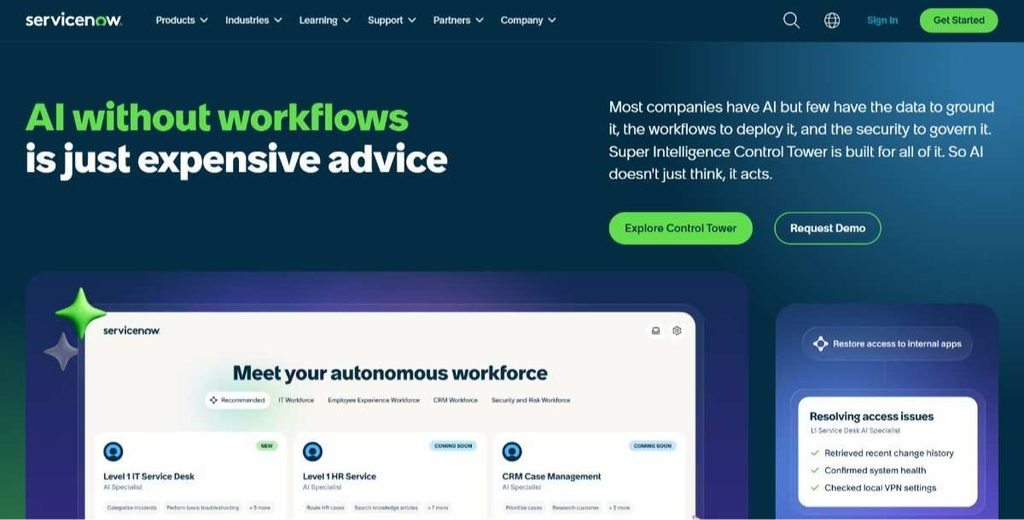
Overview: ServiceNow is an enterprise platform for managing IT services and business workflows.
Key Features:
- IT service management
- Incident management
- Workflow automation
- IT asset management
Main Benefits: Improves business efficiency and automates complex IT operations.
Best For: Large businesses and enterprises.
Pricing Plans: Offers custom pricing based on business requirements.
Pros and Cons:
- Pros: Powerful automation and advanced features.
- Cons: Can be expensive and complex for beginners.
Things to Consider: Consider implementation costs, training, and customization needs.
Free vs Paid IT Management Software
IT Management Software is available in both free and paid versions. Free tools are suitable for basic IT management, while paid tools usually offer more advanced features, automation, and support.
| Features | Free Software | Paid Software |
| Basic Features | Limited | Advanced |
| Device Management | Basic options | More management options |
| Automation | Limited | Advanced automation |
| Customer Support | Basic or community support | Dedicated support options |
| Reporting | Basic reports | Detailed reports |
| Security | Basic security features | More advanced security options |
| Best For | Small teams and basic needs | Growing businesses and enterprises |
Which One Should You Choose?
Choose free IT Management Software if you have a small team and need basic features. Paid software is a better option if your business manages multiple devices and requires advanced automation, security, and technical support.
How to Choose the Right IT Management Software?
Choosing the right IT Management Software depends on your business size, budget, and IT requirements. Before selecting a tool, consider these important factors:
- Features: Look for essential features such as device monitoring, patch management, ticket management, automation, and reporting.
- Pricing: Compare subscription plans and choose software that fits your budget.
- Ease of Use: Select a platform with a simple interface that your IT team can easily manage.
- Integrations: Check whether it works with your existing business tools and applications.
- Scalability: Choose software that can support your business as it grows.
- Customer Support: Check the availability of technical support, training, and help resources.
Comparing these factors will help you find software that improves IT operations and meets your business needs.
Supported Devices and Operating Systems
IT Management Software supports different devices and operating systems depending on the platform. Before choosing a tool, check whether it works with your company’s computers, servers, and mobile devices. This helps IT teams manage devices without compatibility issues.
Common supported platforms include:
- Windows computers and servers
- macOS devices
- Linux systems
- Android devices
- iOS devices
Note: Actual device support varies by software and subscription plan.
Available Integrations
Integrations allow IT Management Software to connect with other business tools and applications. They help teams share information, manage tasks, and handle IT operations from connected platforms.
Common integration categories include:
- Communication Tools: Microsoft Teams and Slack.
- Business Applications: Microsoft 365 and Google Workspace.
- Project Management Tools: Jira and other task management platforms.
- Security Tools: Endpoint protection and monitoring solutions.
- Cloud Services: Cloud platforms and storage services.
Integrations can reduce manual work and make daily IT tasks easier.
Security and Data Protection
Security and data protection are important when choosing IT Management Software. A good platform should help businesses protect their devices, networks, and important information from security threats.
Important security features to check include:
- Data Encryption: Protects business information during storage and transfer.
- Access Control: Allows administrators to control who can access the software.
- Multi-Factor Authentication (MFA): Adds an extra layer of account security.
- Threat Monitoring: Helps detect suspicious activities and potential security risks.
- Backup and Recovery: Helps restore important data if it is lost or damaged.
These security features help businesses protect sensitive information and manage IT systems more safely.
Customer Support and Training
Customer support helps users solve technical problems and understand how to use IT Management Software. Good support and training can make software setup and daily management easier.
Before choosing a platform, check these support options:
- Live Chat: Helps users get quick answers to common questions.
- Email Support: Allows users to report technical issues.
- Phone Support: Provides direct assistance for complex problems.
- Knowledge Base: Offers guides, tutorials, and troubleshooting steps.
- Training Resources: Helps IT teams learn software features and use them effectively.
Good customer support helps IT teams solve problems faster and use the software more efficiently.
Is This Software Worth Choosing?
IT Management Software can be a useful investment for businesses that need to manage devices, networks, and IT services. However, the right choice depends on your business requirements, budget, and team size.
Before making a decision, consider the following points:
- Does it offer the features your business needs?
- Is the pricing suitable for your budget?
- Can your IT team use it easily?
- Does it support your existing devices and applications?
- Does it provide reliable security and customer support?
If the software meets these requirements, it can help reduce manual work, improve IT management, and make daily operations easier.
Final Thoughts
Choosing the right IT Management Software depends on your business needs, budget, and IT requirements. ManageEngine is suitable for overall IT management, NinjaOne focuses on endpoint management, and Atera offers an all-in-one IT management solution. Freshservice is useful for managing IT support services, while ServiceNow is designed for complex enterprise operations.
Before selecting a platform, compare its features, pricing, supported devices, integrations, security, and customer support. Also, consider whether a free or paid plan better fits your requirements. The right software can help reduce manual work, improve security, solve technical issues faster, and manage daily IT operations more efficiently.
Frequently Asked Questions (FAQs)
1. What Is IT Management Software Used For?
IT Management Software helps businesses manage computers, networks, servers, and IT services. It also helps monitor systems, track IT assets, manage updates, and solve technical problems.
2. What Is the Best IT Management Software in 2026?
Some popular IT Management Software tools in 2026 include ManageEngine, NinjaOne, Atera, Freshservice, and ServiceNow. The best option depends on your business size, budget, and IT requirements.
3. Is IT Management Software Suitable for Small Businesses?
Yes, IT Management Software is useful for small businesses. It helps manage devices, monitor systems, handle technical issues, and reduce manual work.
4. Is There Any Free IT Management Software?
Yes, some providers offer free plans or free editions with limited features. ManageEngine offers free options for selected products. Businesses should check available features and usage limits before choosing a plan.
5. How Much Does IT Management Software Cost?
The cost depends on the software, selected features, number of devices, and subscription plan. Some providers offer free plans, while others use paid subscriptions or custom pricing.
6. What Are the Main Features of IT Management Software?
Common features include remote monitoring, IT asset management, patch management, network monitoring, help desk management, automation, and reporting.
7. What Is the Difference Between ITSM and IT Management Software?
IT Management Software covers different IT operations, including device, network, and infrastructure management. ITSM Software mainly focuses on managing IT services, support tickets, incidents, and service requests.
8. Can IT Management Software Monitor Devices Remotely?
Yes, many IT Management Software tools support remote monitoring. IT teams can check device performance, identify technical problems, manage updates, and provide support without being physically present.
9. Which IT Management Software Is Best for Enterprises?
ServiceNow is a suitable option for large enterprises that need advanced IT service management and workflow automation. ManageEngine is another option for businesses looking for different IT management solutions.
10. How Do I Choose the Right IT Management Software?
Compare pricing, features, security, ease of use, device compatibility, integrations, and customer support. Choose software that meets your current business needs and can support future growth.