
Running a Poshmark closet takes steady effort. You create listings, share items, answer buyers, handle offers and keep inventory organized. As your closet grows, these chores eat into the time you could spend sourcing products. That’s why many resellers look for the best Poshmark bots and automation tools.
The catch is that tools differ a lot in price, features and risk. The wrong pick can waste money or put your account in a bad spot. This guide compares five popular options: PosherVA, PrimeLister, Sidekick Tools, Closet Assistant PM and Flyp. You’ll see features, pricing, pros, cons and the Poshmark rules you need to know before you connect anything.
Quick answer: PosherVA is the best all-in-one option. PrimeLister and Sidekick Tools suit multi-marketplace sellers. Closet Assistant PM is the budget pick, and Flyp has the longest free trial. Poshmark’s guidelines prohibit unauthorized automation, so read the safety section before you subscribe.
What Is a Poshmark Bot?
A Poshmark bot is third-party software that automates or simplifies repetitive closet tasks. Depending on the tool, it may help with:
- Closet sharing and Posh Party sharing
- Scheduling repetitive activities
- Offers to likers
- Relisting older items
- Inventory organization
- Crosslisting to other marketplaces
A bot does not guarantee more sales, followers or customers. Results still depend on product quality, pricing, photos, descriptions, demand and customer service.
Best Poshmark Bots Comparison Table
| Tool | Starting Price | Free Trial | Best For |
|---|---|---|---|
| PosherVA | $25/month | 14 days | All-in-one automation |
| PrimeLister | $25/month | 7 days | Automation and crosslisting |
| Sidekick Tools | $29.99/month (automation) | 7 days | Multi-marketplace selling |
| Closet Assistant PM | $7.99/month | 7 days | Budget-friendly plans |
| Flyp | $9/month after trial | 100 days | Extended free trial |
How We Evaluated These Poshmark Tools
We compared each tool using public information from its official website, pricing page and app store listing. We looked at:
- Features: sharing, offers, relisting, crosslisting, scheduling and inventory tools
- Pricing: monthly and annual costs, free plans and trial length
- Ease of use: setup, documentation and support
- Device compatibility: Chrome, web app, iOS, Android or Mac
- Marketplace support: Poshmark only, or crosslisting too
- Safety and privacy: account access required and how the tool relates to Poshmark’s rules
Prices and features change often, so confirm details on each official site. A tool’s advertised features don’t mean Poshmark approves them.
1. PosherVA
Best for: all-in-one Poshmark automation
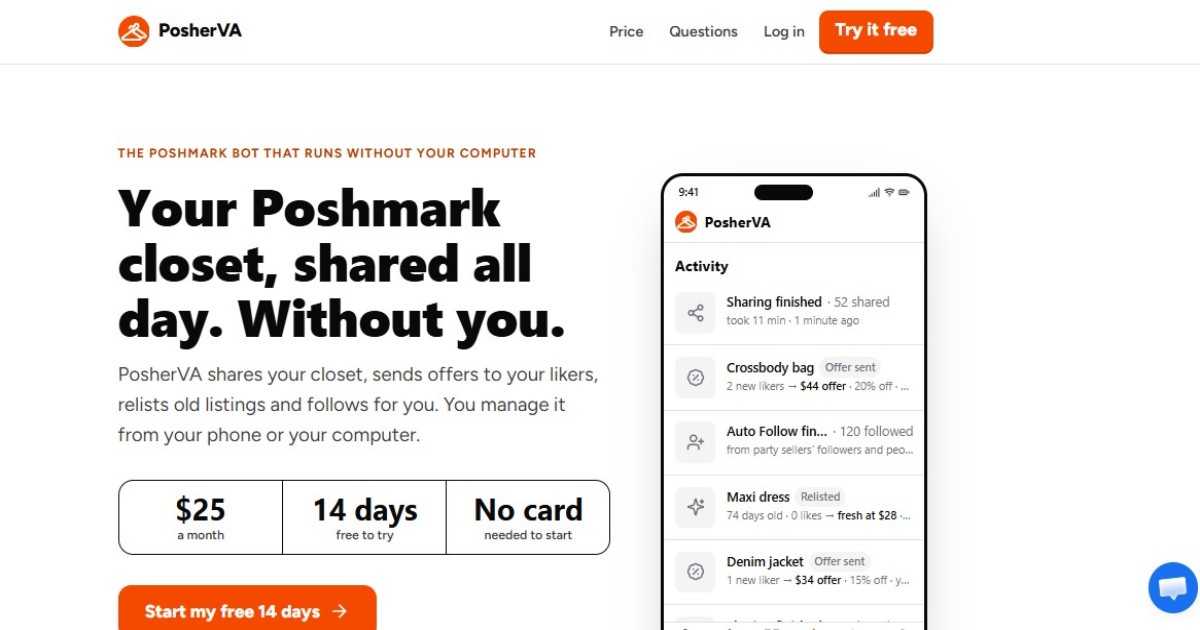
PosherVA automates sharing, offers to likers, relisting and following. It runs on its own servers, so you don’t need to keep your computer on. It also has scheduling, bulk listing management and activity tracking.
Key features
- Automatic and scheduled closet sharing, including Posh Parties
- Automatic offers to likers and bulk offers
- Relisting and bulk price updates
- Follow and return-follow automation
- Activity tracking and background operation
Pricing (USD): 14-day free trial (no credit card required, per the official site), then $25/month, $65 every 3 months, $120 every 6 months or $225/year. Pricing is for one US closet.
| Pros | Cons |
|---|---|
| Automates several routine tasks | Paid plan required after the trial |
| Offers, sharing and relisting in one place | Focused mainly on Poshmark |
| Runs in the background | Needs careful review of account permissions |
| Multiple billing options | Automation may risk account restrictions |
Devices and login: Managed from a browser, and a PosherVA account plus Poshmark closet access is required.
2. PrimeLister
Best for: Poshmark automation plus crosslisting
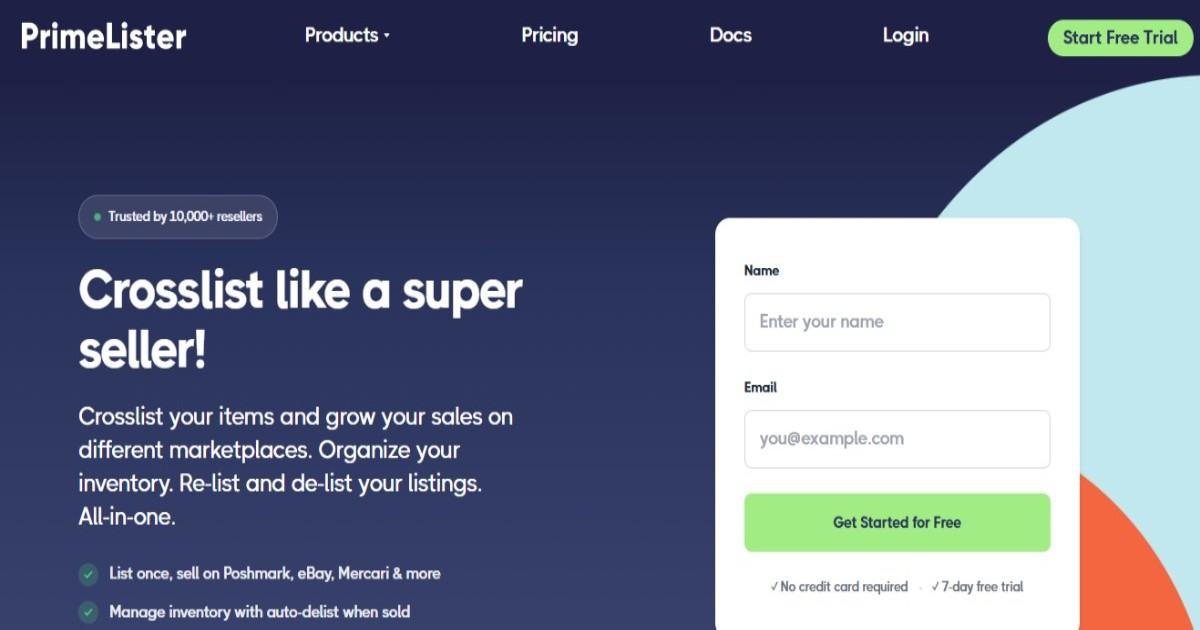
PrimeLister pairs a Poshmark bot with crosslisting tools, so one platform handles both closet tasks and multi-marketplace inventory.
Key features
- Automatic sharing and Posh Party sharing
- Offers to likers, including bulk and bundle offers
- Relisting and bulk price updates
- Follow/unfollow automation and activity returner
- Scheduled tasks and a task activity monitor
- Crosslisting across supported marketplaces
Pricing (USD): 7-day free trial, then $25/month per closet or $240/year (about $20/month, a 20% saving).
| Pros | Cons |
|---|---|
| Combines sharing, offers and relisting | Paid plan required after the trial |
| Scheduling and bulk price tools | Poshmark bot is listed as Chrome-compatible |
| Annual billing saves money | Crosslisting may be a separate workflow |
| Supports US and Canadian accounts | Automation may conflict with platform rules |
Devices and login: The Poshmark bot lists Google Chrome compatibility. Check current documentation before assuming mobile access.
3. Sidekick Tools (Posh Sidekick)
Best for: multi-marketplace selling
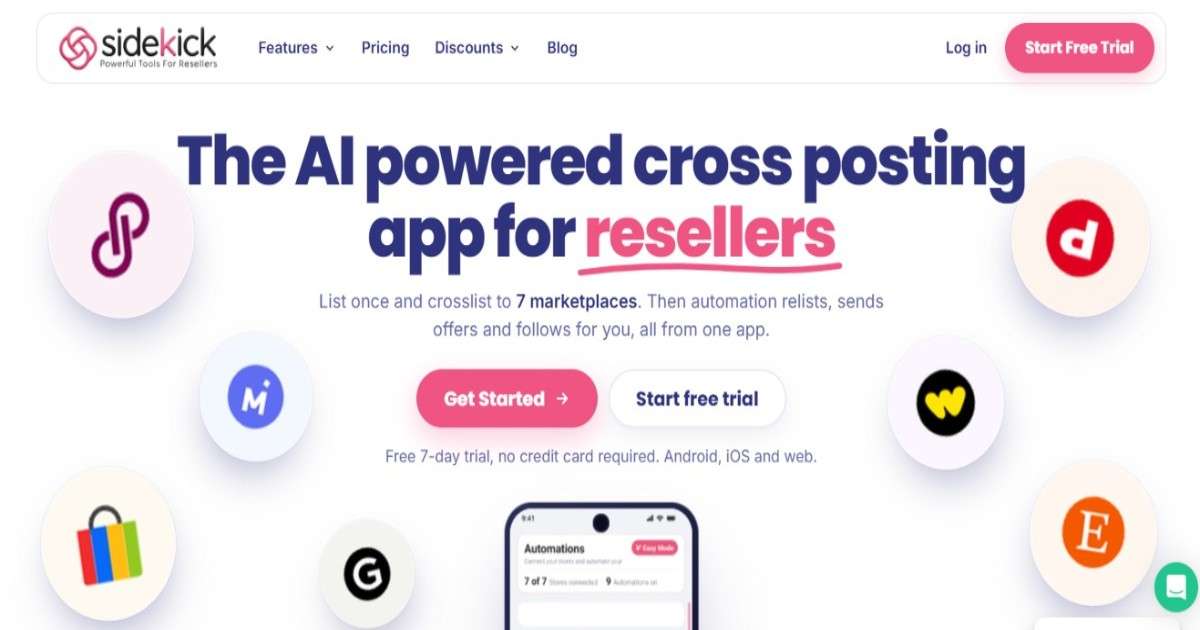
Posh Sidekick rebranded as Sidekick Tools in 2025. It offers both automation and crossposting plans, plus image and reporting tools.
Key features
- Self-shares, sharebacks and Posh Party sharing
- Offers to likers with counteroffers and lowball blocking
- Crosslisting to Poshmark, eBay, Mercari, Depop, Etsy, Grailed and Whatnot
- Automatic delisting of sold items
- Bulk editing, AI stock photos, background removal and sales reports
- Web app, iOS and Android access
Pricing (USD per month):
| Plan | Price |
|---|---|
| Cross Posting Basic | $9.99 |
| Cross Posting Silver | $19.99 |
| Cross Posting Gold | $29.99 |
| Cross Posting Enterprise | $44.99 |
| Automation Basic | $29.99 |
| Automation Silver | $49.99 |
| Automation Gold | $59.99 |
All plans advertise a 7-day free trial. Limits vary by plan, and extra closets or add-ons may cost more.
| Pros | Cons |
|---|---|
| Automation and crosslisting in one place | Full automation costs more than basic crossposting |
| Supports seven marketplaces | Monthly limits vary by plan |
| Image tools and bulk editing | Some features need higher plans or add-ons |
| Web and mobile access | Automation raises Poshmark policy concerns |
4. Closet Assistant PM
Best for: budget-friendly, tiered plans
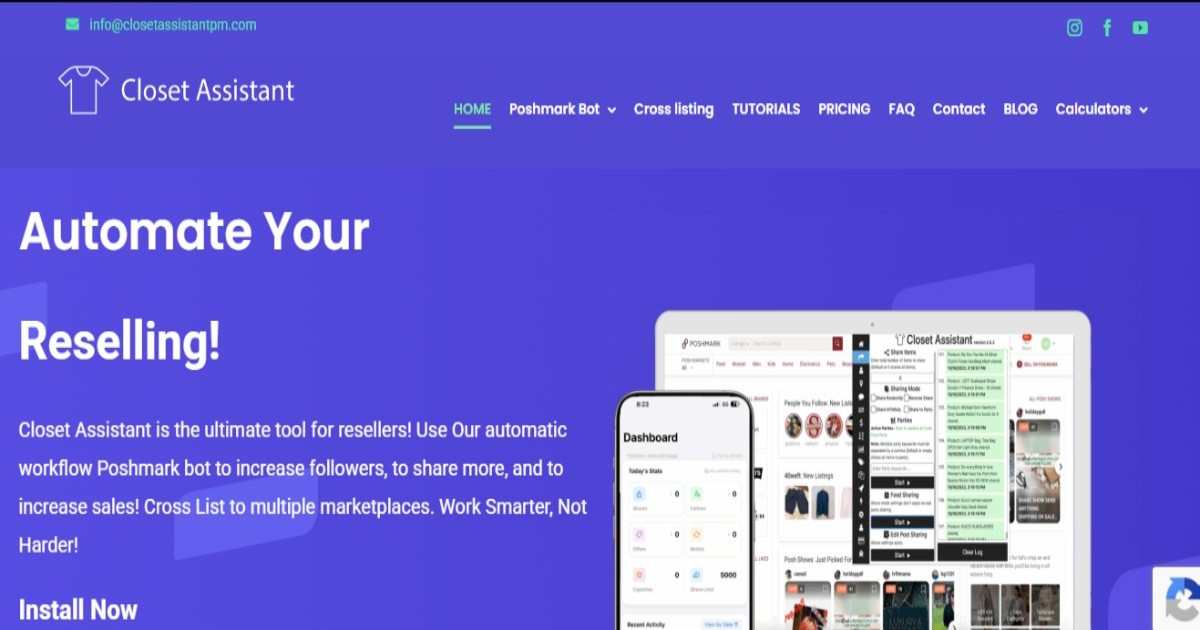
Closet Assistant PM lets you pick a plan based on the features you need, from basic sharing to scheduling and sales management.
Key features
- Unlimited daily shares on Bronze, Silver and Gold
- Follow/unfollow, commenting and activity returner
- Offer management, closet organization, bulk price reduction and relisting (Silver and Gold)
- AutoPilot scheduler and sales manager (Gold)
- Crosslisting advertised as free
Pricing (USD):
| Plan | Price |
|---|---|
| Bronze | $7.99/month |
| Silver | $14.99/month |
| Gold | $24.99/month |
| Free trial | 7 days |
| Pros | Cons |
|---|---|
| Three clear tiers | Advanced features need a higher plan |
| Lowest starting price in this list | Feature availability varies by plan |
| Closet-management and pricing tools | Check setup requirements first |
| Free crosslisting advertised | Automation may violate Poshmark rules |
Devices and login: It advertises a Chrome-based bot. You need a Closet Assistant account and Poshmark access.
5. Flyp
Best for: the longest free trial
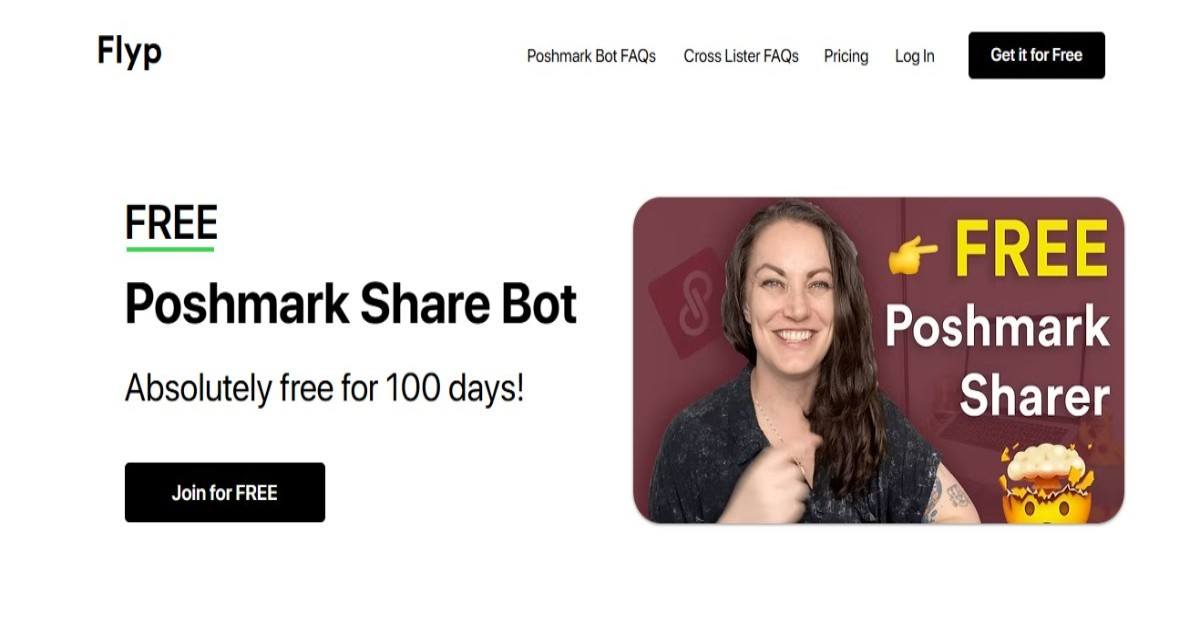
Flyp offers a Poshmark bot alongside reseller and crosslisting tools. It advertises a 100-day introductory period and then a single monthly subscription instead of feature tiers.
Key features
- Automatic closet sharing and recurring schedules
- Offers to likers
- Follow/unfollow tools
- Separate crosslisting tools for managing listings across marketplaces
- One all-inclusive paid plan
Pricing (USD): free for 100 days, then $9/month. Confirm eligibility and billing terms before signing up.
| Pros | Cons |
|---|---|
| Long introductory period | Free period is limited to 100 days |
| One simple paid plan | Confirm current feature availability |
| Sharing and offer tools | Automated actions may conflict with Poshmark rules |
| No credit card advertised to start | Check post-trial billing conditions |
How Does Poshmark Automation Work?
Poshmark automation means using software to simplify repetitive closet tasks like organizing listings, tracking inventory and managing product details. Tools come in three forms:
- Browser extensions: add functions inside Chrome
- Desktop applications: installed on your computer
- Web-based platforms: used through a website, no install needed
Poshmark prohibits unauthorized automation of marketplace interactions, including automated sharing, liking, following and unfollowing. Never assume a feature is allowed just because a tool offers it.
Why Do Poshmark Sellers Use Automation Tools?
- Save time on repetitive activities
- Manage large closets with better organization
- Improve daily workflow across listings, customers and inventory
- Manage multiple platforms through crosslisting
- Focus on growth like sourcing, photography and pricing
Key Features to Look for in a Poshmark Bot
- Easy interface: clear navigation, documentation and support
- Listing management: organizing, editing and repricing listings
- Crosslisting: check whether inventory sync and automatic delisting are included
- Pricing: compare monthly cost, annual discounts, trial length, extra fees and cancellation terms
- Customer support: email, tutorials or a help center
- Security and privacy: check what permissions the tool requests, how it handles logins and whether you can disconnect and cancel easily
Are Poshmark Bots Safe to Use?
Not entirely. Poshmark’s Community Guidelines prohibit unauthorized programs and automation, including auto-sharing, following, liking, and deleting and reposting listings. A tool offering these features doesn’t mean Poshmark allows them.
Possible risks
- Account restrictions: breaking platform rules can lead to enforcement
- Activity limits: unusual activity may trigger controls, and “safe settings” don’t guarantee protection
- Security concerns: third-party apps may ask for account access
- Wasted money: a paid tool doesn’t guarantee more sales
- Less control: automation may not match your timing or customer-service style
How to reduce risks
- Read Poshmark’s latest Community Guidelines
- Avoid unauthorized automation
- Check each tool’s privacy policy
- Don’t assume CAPTCHA handling or randomized activity makes a tool approved
- Keep your account information secure
- Use manual or platform-supported workflows where possible
Free vs Paid Poshmark Bots
| Free Tools / Trials | Paid Tools | |
|---|---|---|
| What you get | Time to explore a platform. Flyp advertises 100 free days | More features, support and higher usage |
| Advantages | No upfront cost, good for testing workflow fit | More management features and better support |
| Limitations | Time or usage limits, restricted features | Recurring cost, no guarantee of higher sales |
How to Choose the Best Poshmark Bot
- List your requirements. Note which tasks eat most of your time.
- Compare features. Don’t assume every feature is in every plan.
- Check real pricing. Count the cost after the trial ends, plus any separate crosslisting fees.
- Read reviews and documentation. Look at support, reliability, billing and cancellation feedback.
- Check compatibility. Confirm your device, browser and marketplaces are supported.
- Review Poshmark’s policies. Don’t assume a feature is permitted because the software offers it.
Best Poshmark Bot for Different Sellers
| Seller type | Worth comparing |
|---|---|
| Beginners | Closet Assistant PM (low entry price) |
| Multi-platform sellers | PrimeLister, Sidekick Tools |
| Large inventories | PosherVA, PrimeLister, Closet Assistant PM |
| Budget-conscious sellers | Closet Assistant PM, Flyp |
| Long trial seekers | Flyp |
Common Mistakes to Avoid
- Choosing a tool because it’s popular. A seller with 50 listings needs different features than one with 1,000.
- Ignoring subscription conditions. Automation and crosslisting are often priced separately.
- Assuming more automation means more sales. Photos, pricing and service matter more.
- Ignoring platform rules. Review Poshmark’s current guidelines first.
- Skipping support and cancellation checks. Know how to get help and how to cancel.
Can You Grow Your Poshmark Closet Without a Bot?
Yes. These habits matter most:
- Upload clear photos with natural light, clean backgrounds and multiple angles
- Write detailed descriptions with brand, size, measurements, color, material and condition
- Research competitive prices using actual selling prices and your own costs
- Keep your closet organized and refresh older listings
- Give great customer service with polite replies and accurate measurements
- Monitor performance to find your best categories
Questions to Ask Before Installing a Poshmark Bot
- Does it work with my device?
- Is it secure, and what permissions does it request?
- Does it comply with Poshmark’s policies?
- Is there a free trial, and how does renewal work?
- Can I cancel anytime?
- Does the provider offer support?
- Are all advertised features included in my plan?
Conclusion
The best Poshmark bot depends on your budget, device, inventory size and comfort with risk. PosherVA suits all-in-one automation, PrimeLister and Sidekick Tools fit multi-marketplace sellers, Closet Assistant PM keeps costs low, and Flyp lets you test for 100 days.
Whichever you choose, compare plans, check compatibility and read the privacy policy first. Poshmark doesn’t allow unauthorized automation, so advertised features don’t make a tool permitted. Strong photos, accurate descriptions, fair prices and reliable service will do more for your closet than any bot.
Frequently Asked Questions
1. What is the best Poshmark bot in 2027?
There’s no single best bot. PosherVA is a strong all-in-one choice, PrimeLister and Sidekick Tools suit crosslisting, Closet Assistant PM is the budget option and Flyp has the longest trial.
2. What does a Poshmark bot do?
It’s third-party software that automates or simplifies closet tasks such as sharing, offers, relisting, scheduling and inventory organization.
3. Are Poshmark bots allowed?
No. Poshmark’s Community Guidelines prohibit unauthorized programs and automation, including automated liking, sharing, following, unfollowing, and deleting and reposting. Always check the latest guidelines.
4. Are there any free Poshmark bots?
Some tools offer trials. Flyp advertises 100 free days, and others offer 7 to 14 days. Free access doesn’t mean Poshmark authorizes the features.
5. Can Poshmark bots automatically share listings?
Several tools advertise it, but Poshmark’s rules prohibit unauthorized automated sharing.
6. Do Poshmark bots increase sales?
Not by themselves. Sales depend on demand, pricing, photos, descriptions and service.
7. Can I use a Poshmark bot on my phone?
It depends. Sidekick Tools offers iOS and Android access, while PrimeLister and Closet Assistant PM are Chrome-based. Check each tool’s requirements.
8. Are paid Poshmark bots better than free ones?
Not always. Paid plans add features, but you may not need them. Compare benefits, costs and policy risks.
9. What features should I look for?
Ease of use, listing management, crosslisting, clear pricing, support and account security.
10. Can beginners use Poshmark automation tools?
Yes, but learn Poshmark’s rules first and start with basic organization and compliant workflows.