
Managing projects, tasks and deadlines can be challenging without the right tools. Project management software helps teams organize work, track progress, manage deadlines and improve productivity.
In this guide, we cover the 10 best project management software in 2026, including their key features, pricing plans, pros and cons, and best uses. We also compare free and paid plans, explore their benefits and explain how to choose the right software for your needs.
Project Management Software Comparison Table
The following table compares the 10 best project management software based on their features, pricing and best uses.
| Software | Key Features | Pricing Plans | Best For |
| ClickUp | Task management, AI, automation | Free, Unlimited, Business, Enterprise | Startups and teams |
| monday.com | Custom boards, dashboards, automation | Free, Basic, Standard, Pro, Enterprise | Marketing teams |
| Asana | Task tracking, timelines, reporting | Personal, Starter, Advanced, Enterprise | Project managers |
| Jira | Scrum, Kanban, bug tracking | Free, Standard, Premium, Enterprise | Development teams |
| Wrike | Gantt charts, reporting, workload management | Free, Team, Business, Enterprise, Pinnacle | Large teams |
| Zoho Projects | Task management, time tracking, reports | Free, Premium, Enterprise | Small businesses |
| Teamwork | Client management, billing, time tracking | Free, Deliver, Grow, Scale | Agencies |
| Smartsheet | Spreadsheets, automation, dashboards | Pro, Business, Enterprise | Business teams |
| Trello | Kanban boards, cards, checklists | Free, Standard, Premium, Enterprise | Freelancers |
| Notion | Notes, databases, templates, AI | Free, Plus, Business, Enterprise | Content creators |
Free vs Paid Project Management Software
Project management software is available in both free and paid plans. Free plans are suitable for individuals and small teams, while paid plans offer more advanced features for growing businesses.
| Features | Free Software | Paid Software |
| Task Management | Basic task management | Advanced task management |
| Team Members | Limited users | More users |
| Project Tracking | Basic tracking | Advanced tracking and reports |
| Automation | Limited automation | More automation options |
| Storage | Limited storage | More storage |
| Integrations | Basic integrations | Advanced integrations |
| Customer Support | Basic support | Priority support |
| Reporting | Basic reports | Detailed reports |
Which One Should You Choose?
- Free Plans: Best for freelancers, beginners and small teams with basic project management needs.
- Paid Plans: Best for growing businesses, large teams and companies that need advanced features, automation and reporting.
Top 10 Project Management Tools: Detailed Overview
1. ClickUp
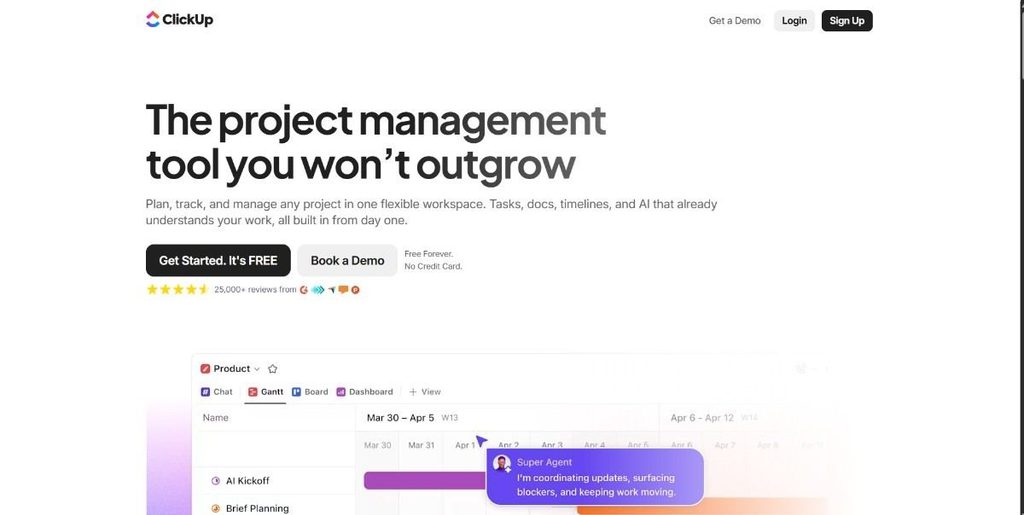
- Introduction: ClickUp is an all-in-one project management platform for organizing tasks and team projects.
- Key Features: Task management, AI tools, dashboards, time tracking and automation.
- How It Works: Users create projects, assign tasks, set deadlines and track progress.
- Main Uses: Project planning, task tracking and team collaboration.
- Supported Devices: Windows, Mac, Android, iOS and Web.
- Pricing Plans: Free Forever, Unlimited, Business and Enterprise.
- Pros and Cons: Easy customization and many features; can feel complex for beginners.
- Best For: Startups, freelancers and growing businesses.
2. monday.com
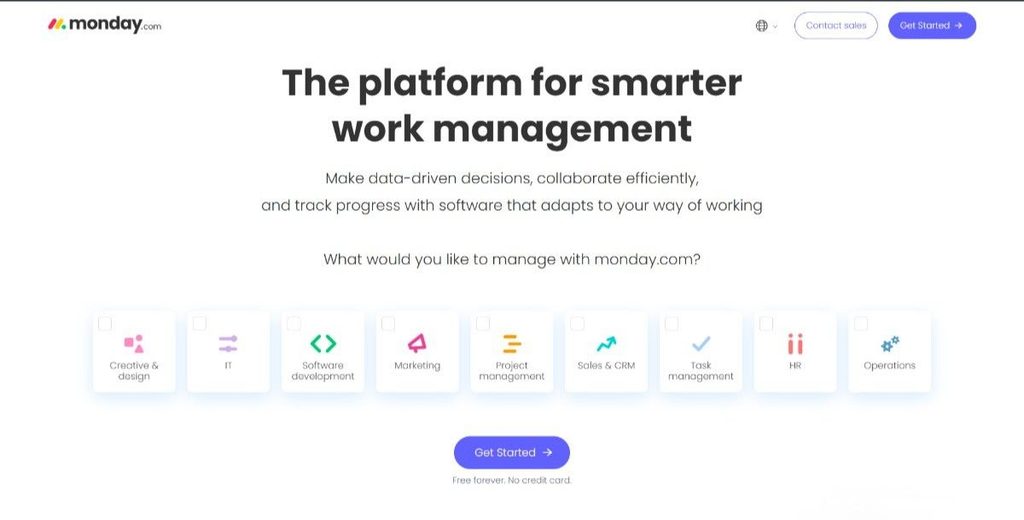
Introduction: monday.com is a visual work management platform for organizing projects and team activities.
- Key Features: Custom boards, automation, dashboards, Gantt charts and integrations.
- How It Works: Users create boards, add tasks, assign team members and monitor progress.
- Main Uses: Project tracking, marketing campaigns and workflow management.
- Supported Devices: Windows, Mac, Android, iOS and Web.
- Pricing Plans: Free, Basic, Standard, Pro and Enterprise.
- Pros and Cons: User-friendly interface and flexible workflows; advanced features can be expensive.
- Best For: Small businesses, marketing teams and growing companies.
3. Asana
- Introduction: Asana helps teams manage tasks, organize projects and meet deadlines.
- Key Features: Task assignments, project timelines, automation, goals and reporting.
- How It Works: Teams create projects, assign responsibilities and track task completion.
- Main Uses: Team planning, task management and project coordination.
- Supported Devices: Windows, Mac, Android, iOS and Web.
- Pricing Plans: Personal, Starter, Advanced and Enterprise.
- Pros and Cons: Simple task tracking and good collaboration; some advanced features require paid plans.
- Best For: Businesses, remote teams and project managers.
4. Jira
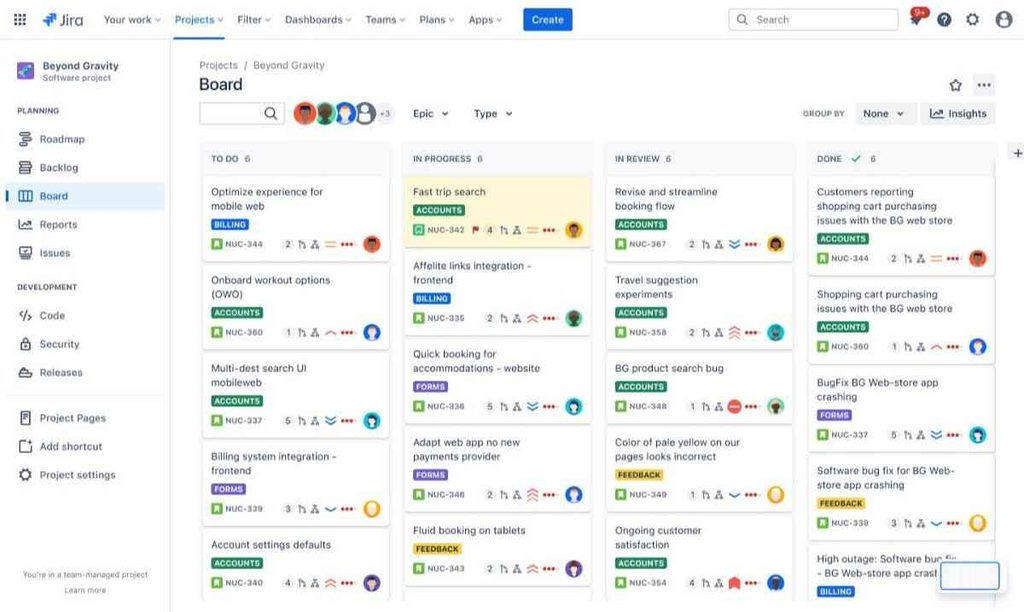
- Introduction: Jira is a project management tool designed mainly for software development and Agile teams.
- Key Features: Scrum boards, Kanban boards, sprint planning, bug tracking and reports.
- How It Works: Teams create tasks, manage backlogs and track development progress through sprints.
- Main Uses: Software development, bug tracking and issue management.
- Supported Devices: Windows, Mac, Android, iOS and Web.
- Pricing Plans: Free, Standard, Premium and Enterprise.
- Pros and Cons: Powerful Agile tools and developer integrations; beginners may find it complicated.
- Best For: Developers, IT teams and software companies.
5. Wrike
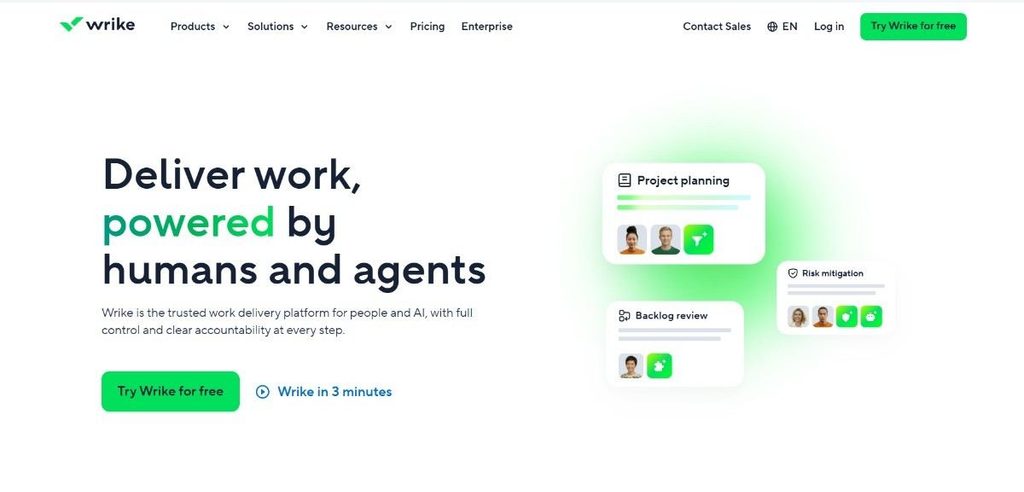
- Introduction: Wrike is a work management platform for planning and managing complex projects.
- Key Features: Gantt charts, workload management, dashboards, automation and reporting.
- How It Works: Teams create projects, assign tasks and monitor deadlines and workloads.
- Main Uses: Project planning, resource management and team coordination.
- Supported Devices: Windows, Mac, Android, iOS and Web.
- Pricing Plans: Free, Team, Business, Enterprise and Pinnacle.
- Pros and Cons: Strong project tracking and reporting; advanced tools take time to learn.
- Best For: Large teams, agencies and growing businesses.
6. Zoho Projects
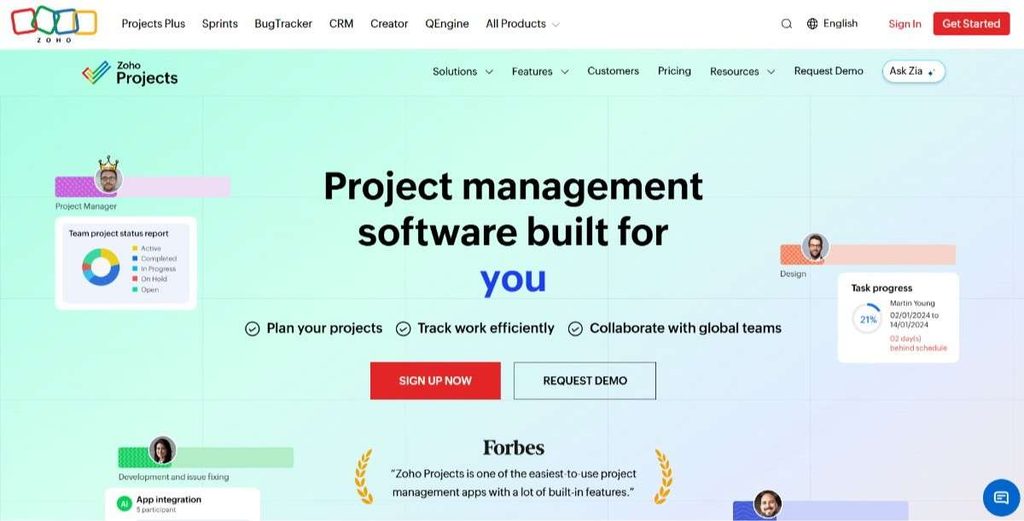
- Introduction: Zoho Projects is an affordable platform for managing business projects and team tasks.
- Key Features: Task management, Gantt charts, time tracking, automation and reports.
- How It Works: Users create projects, assign tasks and monitor work through project dashboards.
- Main Uses: Business planning, task tracking and team collaboration.
- Supported Devices: Windows, Mac, Android, iOS and Web.
- Pricing Plans: Free, Premium and Enterprise.
- Pros and Cons: Affordable and feature-rich; some integrations work best within Zoho.
- Best For: Small businesses, freelancers and startups.
7. Teamwork
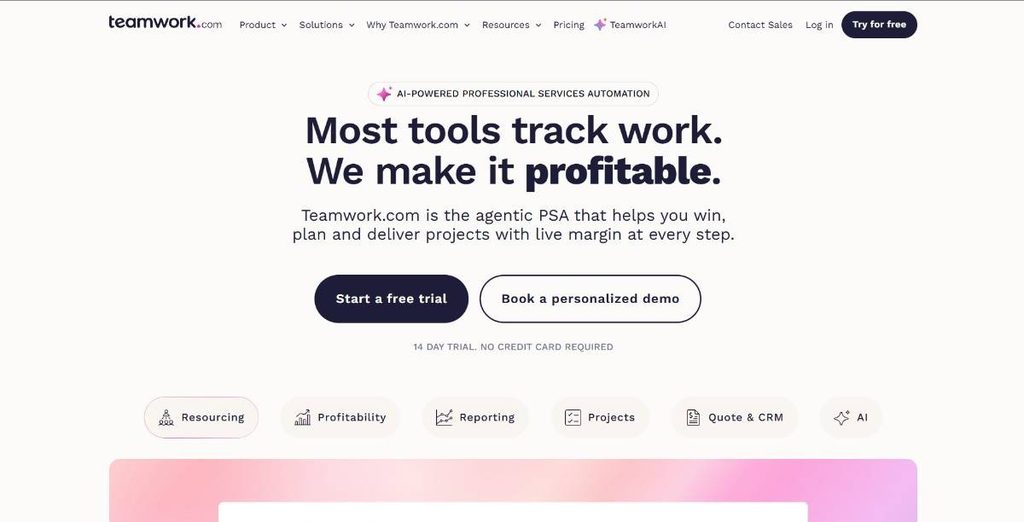
- Introduction: Teamwork is a project management platform focused on client work and team productivity.
- Key Features: Time tracking, task management, workload planning, billing and reporting.
- How It Works: Teams organize client projects, assign tasks and track working hours.
- Main Uses: Client management, agency projects and project tracking.
- Supported Devices: Windows, Mac, Android, iOS and Web.
- Pricing Plans: Free, Deliver, Grow and Scale.
- Pros and Cons: Excellent for client projects and time tracking; advanced features may cost more.
- Best For: Agencies, consultants and service-based businesses.
8. Smartsheet
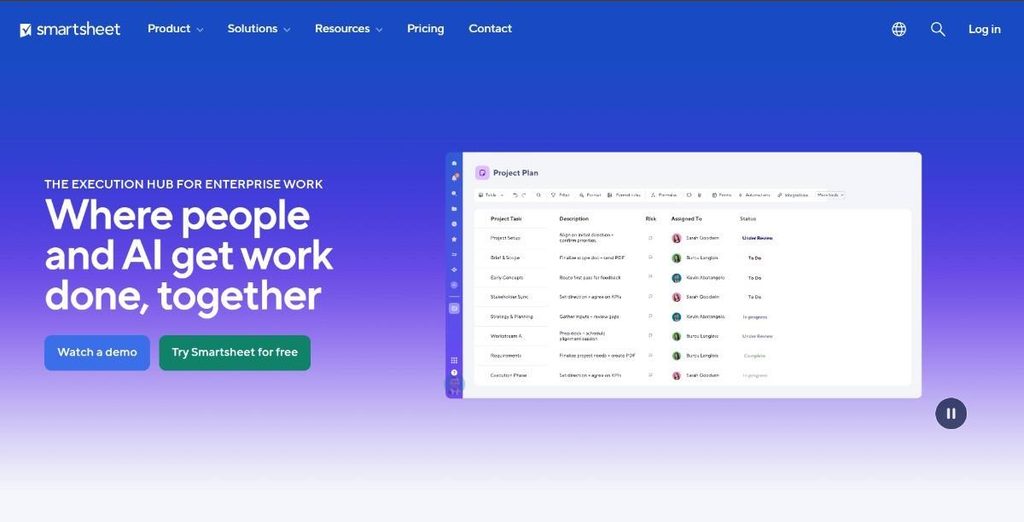
- Introduction: Smartsheet is a spreadsheet-style project management platform for organizing business work.
- Key Features: Grid views, Gantt charts, automation, dashboards and reporting.
- How It Works: Users manage project data in sheets and track progress through reports.
- Main Uses: Project planning, budgeting and resource management.
- Supported Devices: Windows, Mac, Android, iOS and Web.
- Pricing Plans: Pro, Business and Enterprise.
- Pros and Cons: Great for spreadsheet users and reporting; advanced features require learning.
- Best For: Businesses, project managers and enterprise teams.
9. Trello
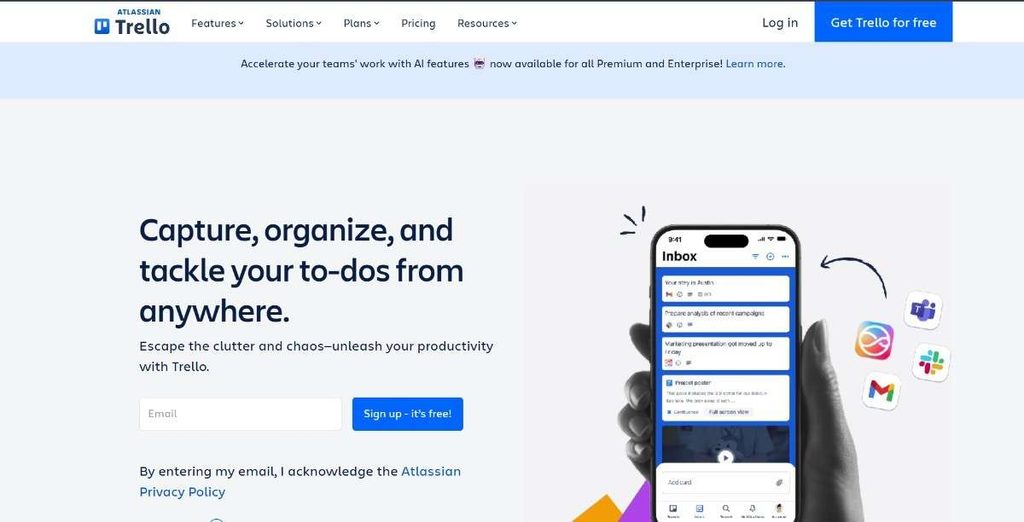
- Introduction: Trello is a simple project management tool that organizes tasks using visual boards and cards.
- Key Features: Kanban boards, task cards, checklists, automation and integrations.
- How It Works: Users create boards, add task cards and move them between progress stages.
- Main Uses: Daily task tracking, personal planning and team projects.
- Supported Devices: Windows, Mac, Android, iOS and Web.
- Pricing Plans: Free, Standard, Premium and Enterprise.
- Pros and Cons: Easy to use and beginner-friendly; complex projects may need additional tools.
- Best For: Freelancers, beginners and small teams.
10. Notion
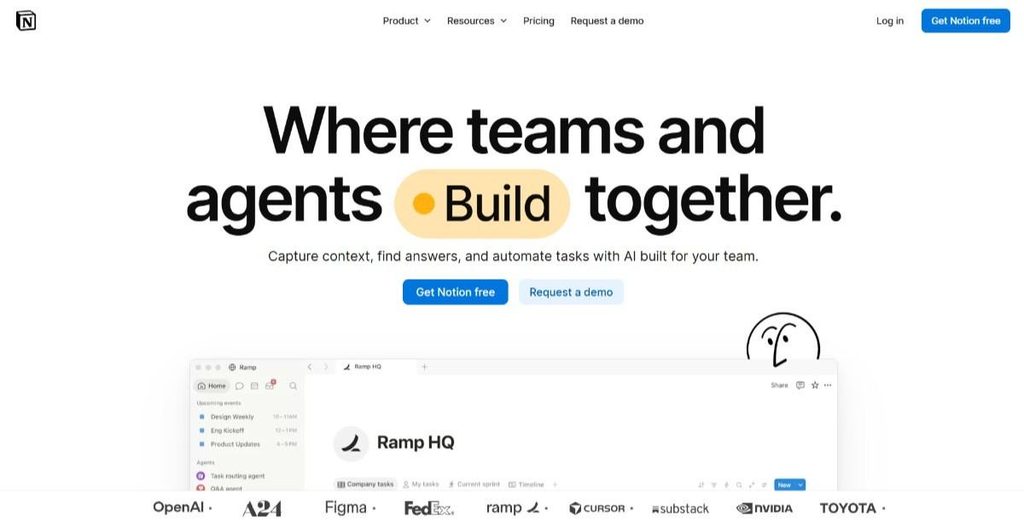
- Introduction: Notion combines notes, documents, databases and project management in one workspace.
- Key Features: Notion databases, templates, task tracking, wikis and AI tools.
- How It Works: Users create pages, databases and task boards to organize their work.
- Main Uses: Documentation, project planning and knowledge management.
- Supported Devices: Windows, Mac, Android, iOS and Web.
- Pricing Plans: Free, Plus, Business and Enterprise.
- Pros and Cons: Flexible workspace and useful templates; advanced project tracking needs setup.
- Best For: Freelancers, content creators and small teams.
Key Features to Look for in Project Management Software
Choosing the right project management software becomes easier when you understand its important features.
- Task Management: Create tasks, assign responsibilities and set deadlines.
- Team Collaboration: Share updates, files and comments with team members.
- Project Tracking: Monitor project progress and completion.
- Time Tracking: Track working hours and manage time effectively.
- Automation: Automate repetitive tasks and save time.
- Reporting and Analytics: Check project performance through reports and dashboards.
- Integrations: Connect with tools like Slack, Google Drive and Microsoft Teams.
- Mobile Access: Manage projects from smartphones, tablets and computers.
Benefits of Using Project Management Software
Project management software helps businesses organize their work and manage teams more efficiently.
- Better Organization: Keep projects, tasks and deadlines in one place.
- Improved Teamwork: Make communication and collaboration easier.
- Time Saving: Automate repetitive tasks and reduce manual work.
- Easy Progress Tracking: Monitor tasks and project performance.
- Increased Productivity: Help teams focus on important tasks.
- Better Planning: Manage deadlines, resources and workloads effectively.
- Fewer Mistakes: Keep project information organized and reduce confusion.
Best Project Management Software for Different Needs
Different teams have different project management requirements. Here are some suitable tools based on common needs.
| Requirements | Recommended Software |
| Best for Startups | ClickUp |
| Best for Small Businesses | Zoho Projects |
| Best for Freelancers | Trello |
| Best for Large Teams | Wrike |
| Best for Software Development | Jira |
| Best for Marketing Teams | monday.com |
| Best for Client Management | Teamwork |
| Best for Spreadsheet Users | Smartsheet |
| Best for Project Collaboration | Asana |
| Best for Content Creators | Notion |
How to Choose the Right Project Management Software
Before choosing project management software, consider your business needs, team size and budget.
- Understand Your Needs: Identify whether you need task management, team collaboration or complete project planning.
- Check Important Features: Look for task tracking, automation, reporting and time management tools.
- Consider Your Budget: Compare free and paid plans before making a decision.
- Check Ease of Use: Choose software that your team can easily understand and use.
- Review Integrations: Make sure it connects with your existing business tools.
- Check Device Support: Choose a platform that works on your computer and mobile devices.
- Try the Free Plan: Test the software before purchasing a paid subscription.
Final Tip: The best project management software depends on your team’s requirements. Compare different tools and choose one that makes your daily work easier, improves collaboration and helps you complete projects on time.
Common Project Management Challenges and Solutions
Managing projects can be challenging because of missed deadlines, poor communication and unorganized tasks. Project management software helps teams handle these problems more effectively.
| Common Challenges | Solutions |
| Missed Deadlines | Set clear deadlines and task reminders. |
| Poor Team Communication | Use shared workspaces and team discussions. |
| Task Management Problems | Assign tasks and responsibilities clearly. |
| Budget Management Issues | Track project expenses and budgets. |
| Lack of Project Tracking | Use dashboards and progress reports. |
| Poor Time Management | Use time tracking and project schedules. |
| Unclear Responsibilities | Assign tasks to specific team members. |
How Software Helps: Project management tools keep tasks, deadlines, team updates and project progress organized in one place. This helps teams reduce confusion, save time and complete projects more efficiently.
Final Thoughts
Choosing the right project management software depends on your team’s size, budget and business needs. Tools like ClickUp, monday.com, Asana, Jira and Trello offer different features for managing tasks, projects and team collaboration.
Before choosing, compare their features, pricing, advantages and limitations. Whether you are a freelancer, startup or large business, the right software can help you organize projects, save time, improve teamwork and complete tasks more efficiently.
Frequently Asked Questions (FAQs)
1. What is the best project management software in 2026?
ClickUp, monday.com, Asana, Jira and Wrike are among the popular project management tools in 2026. The best option depends on your team size, budget and project requirements.
2. Which project management software is best for beginners?
Trello is a good choice for beginners because it offers simple visual boards, task cards and checklists that are easy to understand.
3. Is there any free project management software?
Yes, several tools offer free plans, including ClickUp, Trello, Asana, Jira, Zoho Projects and Notion. Their free plans have different features and limitations.
4. Which project management software is best for small businesses?
Zoho Projects and ClickUp are good options for small businesses. They help manage tasks, organize projects and improve team collaboration.
5. What features should project management software have?
Important features include task management, team collaboration, project tracking, time tracking, automation, reporting and integrations.
6. Can freelancers use project management software?
Yes, freelancers can use tools like Trello, ClickUp and Notion to organize daily tasks, manage deadlines and track project progress.
7. What is the difference between free and paid project management software?
Free plans usually offer basic features with certain limitations, while paid plans provide more advanced tools, automation, storage, reporting and team management options.
8. Is project management software useful for remote teams?
Yes, it helps remote teams share updates, assign tasks, manage deadlines and track project progress from different locations.
9. How do I choose the right project management software?
Consider your budget, team size, required features, ease of use, integrations and device support. You can also try a free plan before purchasing.
10. Can project management software improve team productivity?
Yes, it helps teams organize tasks, reduce communication problems, save time and monitor project progress, making daily work more efficient.