

Choosing the right Best Cloud Hosting is important for your website’s speed, security, performance, and growth. With many cloud hosting providers available, finding the right one can be challenging.
In this guide, we compare 5 cloud hosting providers, including Hostinger, Google Cloud, Microsoft Azure, AWS, HostGator, Cloudways, and Render. You will also learn about different types of cloud hosting, key features, pricing factors, cloud hosting vs shared hosting, and how to choose and set up the right service.
Whether you are a beginner, blogger, developer, or business owner, this guide will help you understand cloud hosting and choose the right solution for your website.
Types of Cloud Hosting
There are different types of cloud hosting available depending on business needs, budgets, and technical requirements.
1. Public Cloud Hosting
Public cloud hosting uses shared cloud infrastructure provided by companies like Google Cloud, AWS, and Microsoft Azure. It is flexible and suitable for startups and small to large businesses.
2. Private Cloud Hosting
Private cloud hosting provides dedicated cloud infrastructure for a single organization. It offers more control, customization, and privacy.
3. Hybrid Cloud Hosting
Hybrid cloud hosting combines public and private cloud environments. Businesses can use both environments according to their security and performance requirements.
4. Managed Cloud Hosting
Managed cloud hosting allows the hosting provider to manage server maintenance, updates, security, and backups. It is useful for users who do not want to handle complex server management.
5 Best Cloud Hosting Providers in 2026: Detailed Reviews
1. Hostinger

Brand Overview:
Hostinger is a popular web hosting provider offering affordable cloud hosting solutions. It is suitable for beginners, bloggers, freelancers, and small businesses.
Key Features:
- Easy-to-use hPanel dashboard
- Free SSL certificates
- Free website migration
- Daily backups on selected plans
- Managed cloud hosting
Hosting Plans & Pricing:
Hostinger offers different cloud hosting plans with features such as storage, bandwidth, and website hosting. Pricing depends on the selected plan and promotional offers.
Performance & Uptime:
Hostinger provides fast loading speeds, LiteSpeed technology, and reliable server performance for websites.
Security Features:
- Free SSL certificates
- DDoS protection
- Malware protection
- Automatic backups
Pros & Cons:
Pros:
- Affordable hosting plans
- Beginner-friendly dashboard
- Good website performance
Cons:
- Renewal prices may be higher
- Advanced server control is limited
Best For: Beginners, bloggers, freelancers, and small businesses.
2. Google Cloud
Brand Overview:
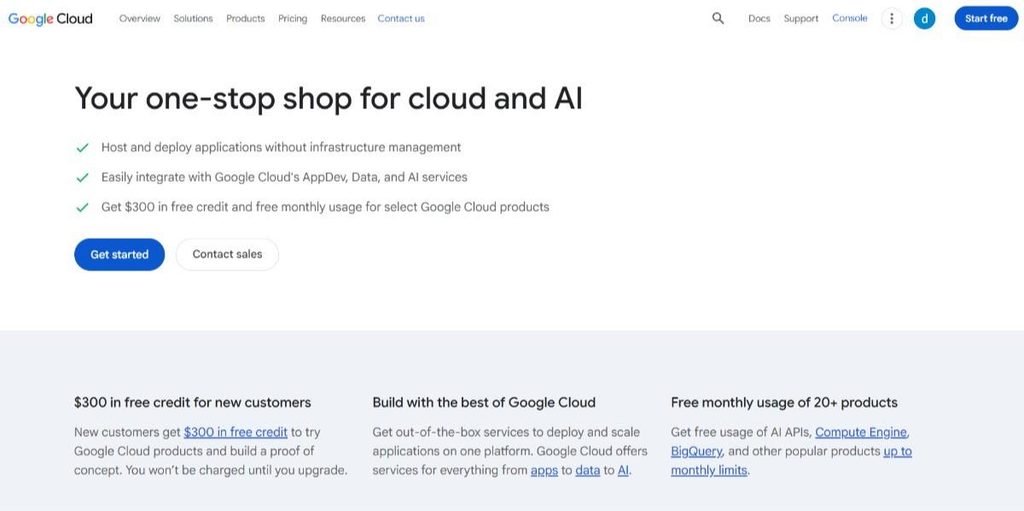
Google Cloud is a powerful cloud computing platform by Google. It provides scalable infrastructure and cloud services for startups, developers, and large businesses.
Key Features:
- Compute Engine virtual machines
- Cloud storage
- Advanced networking
- AI and machine learning tools
- Flexible cloud infrastructure
Hosting Plans & Pricing:
Google Cloud uses a pay-as-you-go pricing model. Users pay based on the resources and services they use.
Performance & Uptime:
Google Cloud offers high-performance infrastructure, global data centers, and scalable computing resources.
Security Features:
- Data encryption
- Identity and access management
- DDoS protection options
- Security monitoring
Pros & Cons:
Pros:
- Highly scalable infrastructure
- Powerful cloud services
- Global network
Cons:
- Pricing can be complex
- Requires technical knowledge
Best For: Developers, startups, and enterprise businesses.
3. Microsoft Azure
Brand Overview:
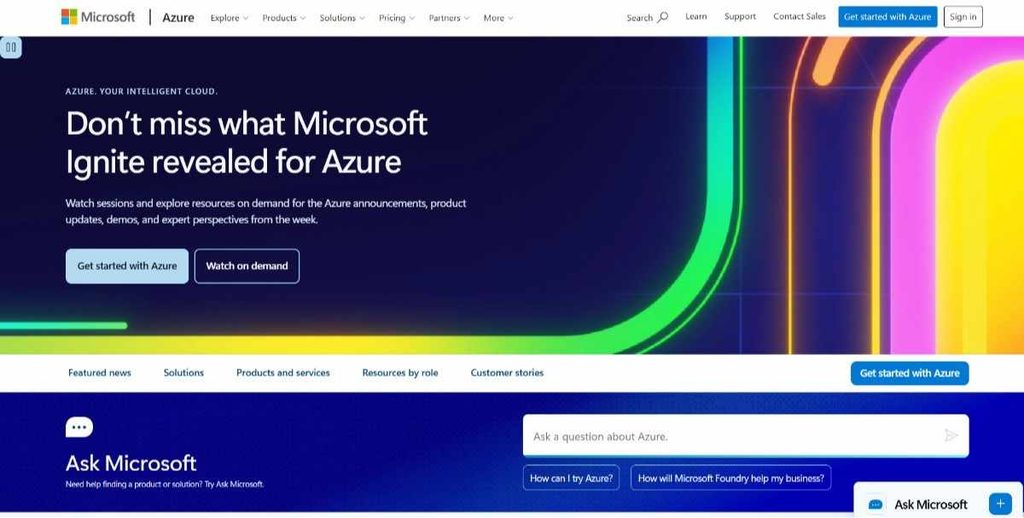
Microsoft Azure is a cloud computing platform that provides hosting, storage, databases, networking, and application development services.
Key Features:
- Azure Virtual Machines
- Cloud storage solutions
- Database management
- AI and analytics tools
- Hybrid cloud support
Hosting Plans & Pricing:
Azure offers pay-as-you-go pricing and different pricing options based on computing resources, storage, and services.
Performance & Uptime:
Azure provides scalable infrastructure, global data centers, and reliable performance for business applications.
Security Features:
- Microsoft Entra ID
- Data encryption
- Security monitoring
- Network protection
Pros & Cons:
Pros:
- Wide range of cloud services
- Strong enterprise support
- Flexible infrastructure
Cons:
- Can be difficult for beginners
- Pricing structure is complex
Best For: Enterprises, developers, and businesses using Microsoft tools.
4. Amazon Web Services (AWS)
Brand Overview:
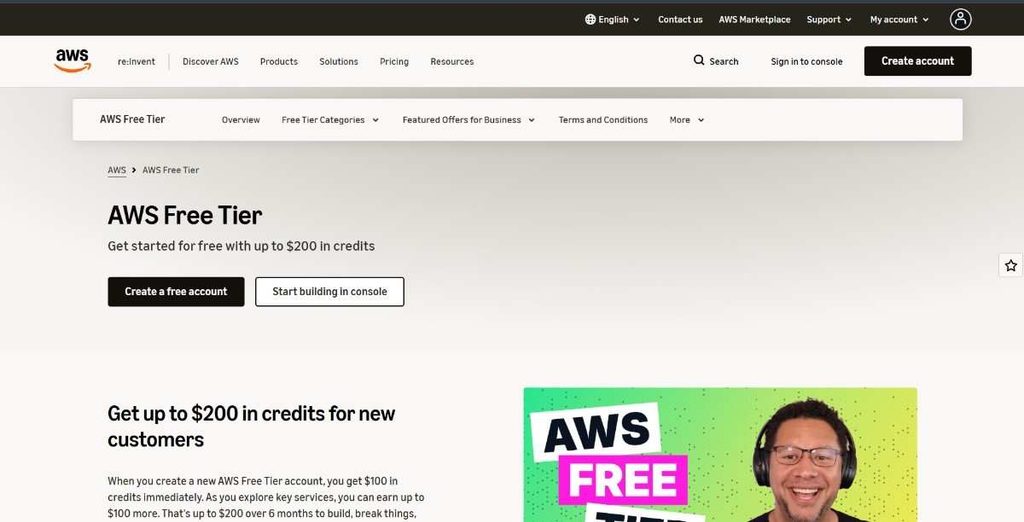
Amazon Web Services (AWS) is a leading cloud computing platform by Amazon. It offers hosting, storage, databases, and computing services for businesses of all sizes.
Key Features:
- Amazon EC2 virtual servers
- Amazon S3 cloud storage
- Database services
- Auto-scaling resources
- Global data centers
Hosting Plans & Pricing:
AWS offers pay-as-you-go pricing. Users pay according to their server usage, storage, bandwidth, and selected services.
Performance & Uptime:
AWS provides powerful infrastructure, flexible server resources, and global availability for websites and applications.
Security Features:
- Data encryption
- AWS Identity and Access Management (IAM)
- DDoS protection with AWS Shield
- Security monitoring
Pros & Cons:
Pros:
- Highly scalable hosting
- Wide range of cloud services
- Suitable for large projects
Cons:
- Complex pricing structure
- Requires technical knowledge
Best For: Startups, developers, large websites, and enterprise businesses.
5. HostGator

Brand Overview:
HostGator is a well-known web hosting company that provides shared hosting, VPS hosting, and dedicated server solutions. It is commonly used by bloggers, beginners, and small businesses.
Key Features:
- Easy-to-use hosting dashboard
- One-click WordPress installation
- Free SSL certificates on eligible plans
- Website migration options
- Scalable hosting solutions
Hosting Plans & Pricing:
HostGator offers different hosting plans, including shared, VPS, and dedicated hosting. Check its current offerings before describing a specific cloud hosting plan, as its older Cloud Hosting product may not be available.
Performance & Uptime:
HostGator provides hosting infrastructure designed to support websites, blogs, and business projects.
Security Features:
- SSL certificates
- Website backup options
- Server monitoring
- Security tools depending on the plan
Pros & Cons:
Pros:
- Beginner-friendly hosting
- Multiple hosting options
- WordPress support
Cons:
- Renewal prices can be higher
- Some advanced features cost extra
Best For: Beginners, bloggers, and small business websites.
Cloud Hosting vs Shared Hosting
Cloud hosting and shared hosting are two popular web hosting options. Both help you run a website, but they differ in performance, resources, and scalability.
| Cloud Hosting | Shared Hosting |
| Uses multiple connected servers | Uses one server shared by multiple websites |
| Better scalability | Limited scalability |
| Handles traffic spikes better | May slow down during high traffic |
| Usually offers better reliability | Performance depends on shared resources |
| Generally costs more | Usually more affordable |
| Best for growing websites | Best for beginners and small websites |
Which Is Better?
Cloud hosting is better for growing businesses, high-traffic websites, and websites that need flexible resources. Shared hosting is a good choice for beginners, personal blogs, and small websites with limited budgets.
How to Choose the Best Cloud Hosting
Choosing the right cloud hosting provider depends on your website requirements, budget, and expected traffic. Consider these important factors before selecting a hosting service.
- Performance: Choose hosting with fast loading speeds and reliable server performance.
- Uptime: Look for providers that offer a strong uptime guarantee.
- Scalability: Select a service that allows you to upgrade resources as your website grows.
- Security: Check for SSL certificates, firewalls, backups, and DDoS protection.
- Pricing: Compare monthly costs, renewal prices, and additional charges.
- Customer Support: Choose a provider with helpful 24/7 technical support.
- Ease of Use: Beginners should look for an easy-to-use dashboard and simple setup.
Cloud Hosting Features to Consider
Before purchasing a cloud hosting plan, check the features that can improve your website’s performance, security, and management.
- SSD or NVMe Storage: Helps improve website loading speed.
- High Uptime: Keeps your website accessible to visitors.
- Automatic Backups: Protects website data from unexpected problems.
- Free SSL Certificate: Helps secure information transferred between visitors and your website.
- Scalable Resources: Allows you to increase CPU, RAM, and storage when needed.
- DDoS Protection: Helps protect your website from malicious traffic.
- CDN Integration: Delivers website content faster to visitors in different locations.
- 24/7 Support: Provides technical help whenever you need it.
Who Should Use Cloud Hosting?
Cloud hosting is suitable for different types of users and businesses that need reliable performance, flexible resources, and website growth.
- Startups: Ideal for new businesses that expect their website traffic to grow.
- Small Businesses: Helps business websites maintain good performance and availability.
- E-commerce Websites: Suitable for online stores that experience high traffic during sales and promotions.
- Bloggers: Useful for growing blogs with increasing visitors.
- Developers: Provides flexible resources to build, test, and run applications.
- Large Businesses: Supports websites and applications that require more computing power and scalability.
Overall: Cloud hosting is a good choice for businesses, developers, and website owners who need flexible resources and room to grow.
Cloud Hosting Pricing Comparison
Cloud hosting prices depend on the provider, server resources, storage, bandwidth, and additional features. Some providers offer fixed monthly plans, while others use pay-as-you-go pricing.
Here are some common factors that affect cloud hosting costs:
| Pricing Factor | Description |
| CPU | More processing power may increase the cost. |
| RAM | Higher memory supports demanding websites. |
| Storage | More SSD or NVMe storage can cost extra. |
| Bandwidth | Higher data transfer requirements may increase charges. |
| Backups | Automatic backups may be included or charged separately. |
| Managed Services | Managed hosting can cost more but reduces technical work. |
Pricing Tip: Always compare introductory prices, renewal costs, monthly billing, and additional charges before choosing a cloud hosting provider.
How to Set Up Cloud Hosting
Setting up cloud hosting is simple with most beginner-friendly hosting providers. Follow these basic steps to get your website online.
- Choose a Cloud Hosting Provider: Select a provider such as Hostinger, Cloudways, AWS, or Google Cloud.
- Select a Hosting Plan: Choose a plan based on your website traffic, storage, and performance needs.
- Register or Connect Your Domain: Purchase a new domain or connect your existing domain name.
- Configure Your Server: Select the required operating system, server location, RAM, and CPU resources if your plan allows it.
- Install Your Website: Install WordPress, upload your website files, or deploy your application.
- Set Up Security: Enable SSL, configure backups, and apply security settings.
- Test Your Website: Check website speed, mobile responsiveness, and loading performance before launching.
Final Tip: Start with the resources your website currently needs. You can upgrade your cloud hosting plan as your website traffic and business grow.
Best Cloud Hosting for Different Needs
The best cloud hosting depends on your website type, budget, and technical requirements.
- For Beginners: Hostinger – Easy dashboard and simple management.
- For WordPress: Hostinger and Cloudways – WordPress-friendly hosting.
- For Small Businesses: IONOS and Hostinger – Flexible and affordable plans.
- For E-commerce: AWS and Google Cloud – Scalable infrastructure for online stores.
- For Developers: AWS, Google Cloud, and Microsoft Azure – Advanced tools and server control.
Common Cloud Hosting Problems and Solutions
Cloud hosting users may face some common issues. Here are simple problems and solutions.
- Slow Website: Upgrade server resources, enable caching, and use a CDN.
- High Costs: Monitor usage and remove unused resources.
- Server Downtime: Choose reliable hosting and monitor uptime.
- Security Issues: Use SSL, strong passwords, and firewalls.
- Difficult Management: Choose managed cloud hosting.
- Data Loss: Enable automatic backups and test recovery regularly.
Overall: Regular monitoring, security, and backups help keep your cloud hosting reliable.
Final Thoughts
Choosing the best cloud hosting depends on your website requirements, budget, technical knowledge, and expected traffic. Providers like Hostinger are suitable for beginners and small businesses, while AWS, Google Cloud, and Microsoft Azure offer advanced cloud infrastructure for developers and large businesses.
Before choosing a provider, compare its pricing, performance, security, scalability, storage, and customer support. Also, consider whether you need managed or unmanaged cloud hosting.
If you are starting a new website, choose a simple and affordable plan. For growing websites and businesses, look for flexible resources that can handle increasing traffic.
The right cloud hosting provider can help improve website performance, maintain security, and support your long-term online growth.
FAQs About Cloud Hosting
1. What Is Cloud Hosting?
Cloud hosting is a web hosting service that uses multiple connected servers to store and manage website data. It offers flexible resources, better scalability, and reliable website performance.
2. Which Is the Best Cloud Hosting Provider in 2026?
The best cloud hosting provider depends on your needs. Hostinger is suitable for beginners, AWS and Google Cloud are good for developers, and Microsoft Azure is suitable for enterprise businesses.
3. Is Cloud Hosting Better Than Shared Hosting?
Cloud hosting generally offers better scalability, flexible resources, and reliability. Shared hosting is more affordable and suitable for beginners and small websites with limited traffic.
4. How Much Does Cloud Hosting Cost?
Cloud hosting costs depend on server resources, storage, bandwidth, and additional features. Some providers offer fixed monthly plans, while platforms like AWS and Google Cloud use pay-as-you-go pricing.
5. Is Cloud Hosting Good for Beginners?
Yes, cloud hosting can be good for beginners, especially with managed providers like Hostinger. It offers easy-to-use dashboards, website management tools, and simple setup options.
6. What Are the Different Types of Cloud Hosting?
The four common types of cloud hosting are:
Public Cloud Hosting
Private Cloud Hosting
Hybrid Cloud Hosting
Managed Cloud Hosting
7. Is Cloud Hosting Secure?
Yes, cloud hosting can provide strong security through SSL certificates, firewalls, data encryption, DDoS protection, and automatic backups. However, proper server configuration and security management are also important.
8. Can I Host a WordPress Website on Cloud Hosting?
Yes, you can host WordPress websites on cloud hosting. Providers like Hostinger and Cloudways offer WordPress-friendly hosting solutions with scalable resources and performance features.
9. What Features Should I Look for in Cloud Hosting?
Look for these important features before purchasing a cloud hosting plan:
SSD or NVMe storage
High uptime
Free SSL certificate
Automatic backups
Scalable resources
DDoS protection
CDN integration
24/7 customer support
10. Who Should Use Cloud Hosting?
Cloud hosting is suitable for startups, small businesses, bloggers, developers, e-commerce websites, and large businesses. It is especially useful for websites that need flexible resources and can experience increasing traffic.