
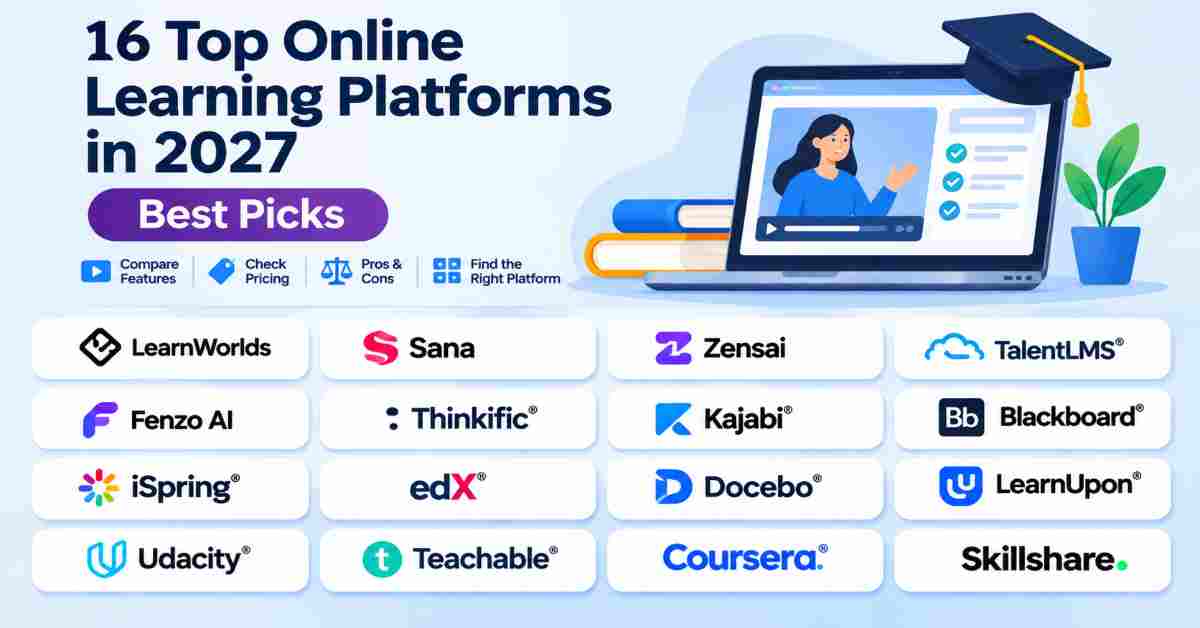
Explore 16 top online learning platforms in 2027. Compare features, pricing, pros and cons to find the best platform for students, educators, creators, and businesses.
Choosing the right online learning platform can make a big difference in how you learn, teach, or grow your business. With so many options available, finding a platform that offers the right features, flexibility, and pricing can be challenging. In this guide, we explore 16 top online learning platforms in 2027, comparing their key features, pricing, advantages, and limitations. Whether you are a student, educator, course creator, or business owner, this comparison will help you understand your options and choose a platform that fits your learning or training needs.
Top Online Learning Platforms
| Platform | Best For | Main Category | Pricing Model |
|---|---|---|---|
| LearnWorlds | Creating and selling online courses | Course creation | Subscription |
| Sana | AI-powered organizational learning | Enterprise learning | Custom / sales-led |
| Zensai | Employee learning and development | Corporate learning | Custom / sales-led |
| TalentLMS | Employee training and onboarding | LMS | Free and paid plans |
| Fenzo AI | AI-powered learning experiences | AI learning | Verify current official offer |
| Thinkific | Building and selling online courses | Course business | Subscription |
| Kajabi | Digital products and online businesses | Creator business | Subscription |
| Blackboard | Schools and higher education | Academic LMS | Custom pricing |
| iSpring Solutions | Corporate training and eLearning development | LMS and authoring | Subscription / quote |
| edX | University courses and professional certificates | Online education | Free audit and paid options |
| Docebo | Enterprise employee training | Enterprise LMS | Quote / sales-led |
| LearnUpon | Employee, customer, and partner training | LMS | Custom pricing |
| Udacity | Technology and career-focused learning | Career education | Program-based pricing |
| Teachable | Selling online courses and digital products | Creator education | Subscription |
| Coursera | University and industry-backed courses | Online education | Free and paid options |
| Skillshare | Creative and practical skills | Subscription learning | Membership |
1. LearnWorlds
Best For: Entrepreneurs, educators, and training businesses looking to create, manage, and sell interactive online courses.
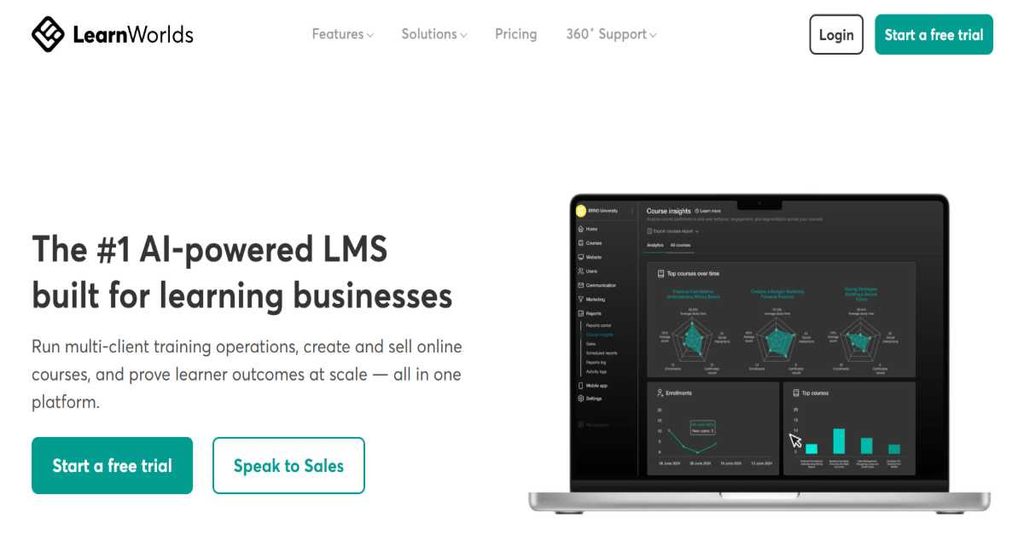
LearnWorlds is an online learning platform designed to help educators, entrepreneurs, and businesses build and manage their own online learning environments. It provides tools for creating courses, delivering educational content, managing learners, and selling online training programs. The platform focuses on interactive learning experiences, allowing course creators to combine videos, assessments, learning activities, and other educational materials. Its website-building and customization capabilities also help users establish a branded online learning academy. LearnWorlds is suitable for individuals who want to turn their knowledge into online courses as well as organizations that need a structured environment for training and education.
Key Features
- Online Course Builder: Create and organize online courses using different content formats.
- Interactive Video: Add interactive elements to video lessons to improve learner participation.
- AI Course Builder: Use AI-powered tools to support course creation.
- Assessment Builder: Create exams, quizzes, and self-assessments.
- Learning Paths: Organize courses into structured learning programs.
- Website Builder: Build a branded website for an online learning business.
- Course Monetization: Sell courses through payment options, memberships, and subscriptions.
- Learning Analytics: Monitor learner activity and course performance.
- Integrations: Connect the platform with external learning and business tools.
Pluses & Minuses
| Pluses | Minuses |
|---|---|
| Supports interactive video-based learning. | The Starter plan charges a fee per course enrollment. |
| Includes course creation and website-building tools. | Advanced branding and administration require higher plans. |
| Offers assessments and learning paths. | Higher-tier plans may be necessary for larger training operations. |
| Supports course sales and memberships. | Users should compare monthly learner and administrator limits before choosing a plan. |
Pricing
| Plan | Official Price |
|---|---|
| Starter | $49/month or $44/month billed annually |
| Pro Trainer | $99/month or $79/month billed annually |
| Learning Center | $299/month or $249/month billed annually |
| Corporate | Custom pricing |
2. Sana
Best For: Enterprises looking for AI-powered employee learning, training management, and personalized learning experiences.
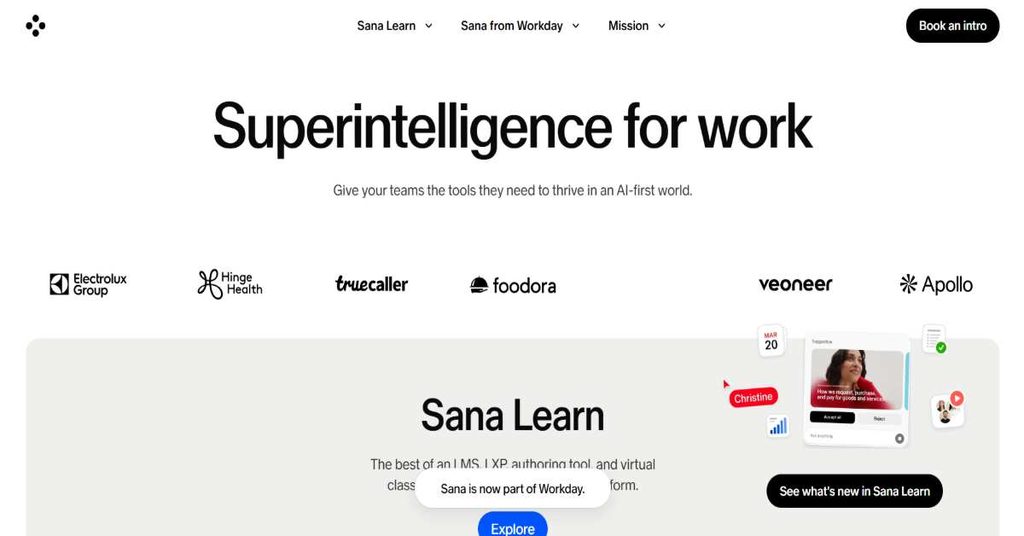
Sana Learn is an AI-powered learning platform developed for organizations that want to improve employee training and knowledge development. It combines learning management, learning experience, content creation, and virtual classroom capabilities within one platform. Businesses can use Sana Learn to create training materials, organize learning programs, manage enrollments, and provide employees with personalized learning experiences. Its AI capabilities support course creation, learning assistance, administrative workflows, and learning analytics. The platform is designed to reduce manual work for learning and development teams while helping employees access relevant knowledge when they need it. Sana is now part of Workday, although Sana Learn continues as an independent product.
Key Features
- AI-Powered Course Creation: Generate learning content using AI-assisted tools.
- AI Tutor: Provide learners with AI-supported explanations and learning assistance.
- Learning Management: Manage courses, programs, enrollments, and training activities.
- Personalized Learning: Support learning experiences based on individual requirements.
- Virtual Classroom: Deliver live learning sessions and collaborative training.
- Automated Administration: Automate enrollments, reminders, and learning management tasks.
- Learning Analytics: Access dashboards and insights into learning activity.
- Content Library: Provide access to ready-to-use learning materials.
- Enterprise Integrations: Connect with HR systems and other business applications.
Pluses & Minuses
| Pluses | Minuses |
|---|---|
| Combines LMS, LXP, authoring, and virtual classroom capabilities. | Pricing is not presented as a simple public fixed-price subscription. |
| Provides AI-supported learning and content creation. | The listed pricing starts at 300 users. |
| Supports automated learning administration. | Smaller teams may need to evaluate the minimum user requirement. |
| Offers enterprise integrations and multilingual capabilities. | Organizations should evaluate implementation and integration requirements before purchasing. |
Pricing
- Plans start at 300 users.
- Pricing varies depending on user volume.
- Enterprise customers can request tailored pricing.
- A fixed universal monthly price is not published in the pricing information.
3. Zensai
Best For: Organizations that want to manage employee learning, performance, and engagement within Microsoft 365.
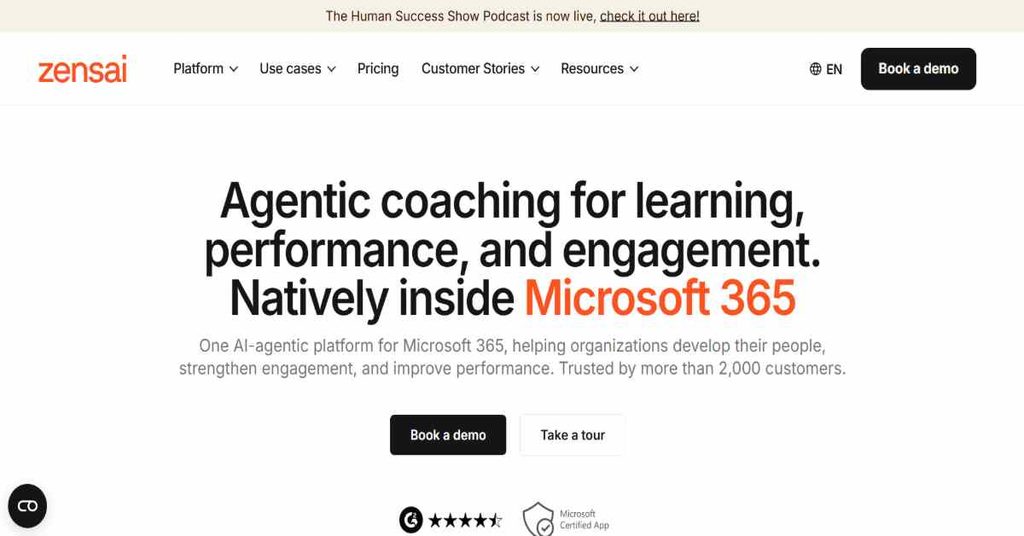
Zensai is an employee development platform that combines learning, performance management, and employee engagement capabilities within the Microsoft 365 environment. It is designed to help HR and learning and development teams manage employee training while connecting learning activities with workplace performance. Organizations can use Zensai to organize courses, create training plans, monitor learning progress, and support employee development. The platform also includes tools for performance reviews, goal management, employee feedback, and engagement measurement, depending on the selected edition. Its integration with Microsoft Teams, SharePoint, Copilot, and Outlook helps employees access learning and development activities through familiar workplace applications.
Key Features
- Learning Management System: Organize employee training and learning programs.
- AI Content Creation: Create training content and assessments using AI.
- AI Learning Recommendations: Recommend relevant learning opportunities and learning paths.
- Microsoft 365 Integration: Work within Microsoft Teams, SharePoint, Copilot, and Outlook.
- Employee Performance Management: Manage performance reviews and development conversations.
- Goal Management: Support OKRs and SMART goals.
- 360-Degree Feedback: Collect feedback from different workplace stakeholders.
- Employee Engagement: Use surveys, recognition, and sentiment-related insights.
- Learning Analytics: Track training progress through dashboards and reports.
Pluses & Minuses
| Pluses | Minuses |
|---|---|
| Combines learning, performance, and engagement capabilities. | Pricing is available through a quotation rather than fixed public prices. |
| Designed for integration with Microsoft 365. | Organizations outside the Microsoft ecosystem should evaluate the integration requirements. |
| Includes AI-powered learning and content tools. | Some capabilities depend on the selected edition. |
| Supports employee development beyond course completion. | It may offer more HR functionality than organizations needing only a basic course platform require. |
Pricing
| Plan | Main Purpose | Pricing |
|---|---|---|
| Grow | Learning and development | Request pricing |
| Scale | Learning and performance management | Request pricing |
| Transform | Learning, performance, and engagement | Request pricing |
4. TalentLMS
Best For: Small and medium-sized businesses that need an accessible LMS for employee onboarding, training, and skill development.
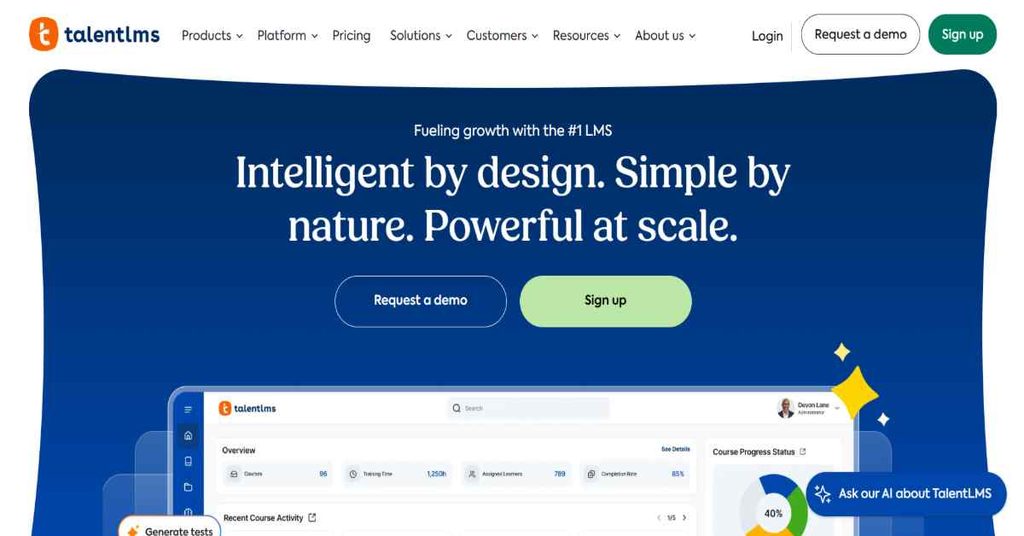
TalentLMS is a cloud-based learning management system designed to help organizations create, deliver, and manage employee training programs. Businesses can use the platform to organize courses, assign training materials, monitor learner progress, and evaluate employee performance through assessments. It supports different learning formats, including online courses and structured training activities, making it useful for onboarding, compliance education, and professional development. TalentLMS also includes gamification, integrations, and AI-powered tools that support content creation, course translation, and learner assistance. Its free plan provides an opportunity for smaller teams to explore the platform before moving to a paid subscription.
Key Features
- Course Management: Create and organize training courses.
- AI Course Creation: Generate training content and assessments using AI tools.
- AI Translation: Translate course content into multiple languages.
- AI Coach: Provide learning assistance and interactive practice.
- Employee Onboarding: Organize training programs for new employees.
- Assessments and Tests: Evaluate employee knowledge and course understanding.
- Gamification: Use points, badges, and leaderboards to encourage participation.
- Reporting and Analytics: Track course progress and training results.
- SCORM and xAPI Support: Work with standard eLearning content formats.
- Integrations: Connect with other business applications.
Pluses & Minuses
| Pluses | Minuses |
|---|---|
| Offers a free plan without a credit card. | The free plan supports only five users and ten courses. |
| Supports AI-powered learning tools. | Paid plans have active-user limits. |
| Includes gamification and reporting capabilities. | Some advanced support and administration features require higher plans. |
| Supports SCORM and xAPI content. | Larger organizations may need a custom Enterprise plan. |
Pricing
| Plan | Pricing |
|---|---|
| Free | $0 |
| Core | Paid subscription; price varies by user quantity |
| Grow | Paid subscription; price varies by user quantity |
| Pro | Paid subscription; price varies by user quantity |
| Enterprise | Custom pricing |
5. Fenzo AI
Best For: Individuals who want to create personalized, interactive AI-powered courses for learning different subjects.
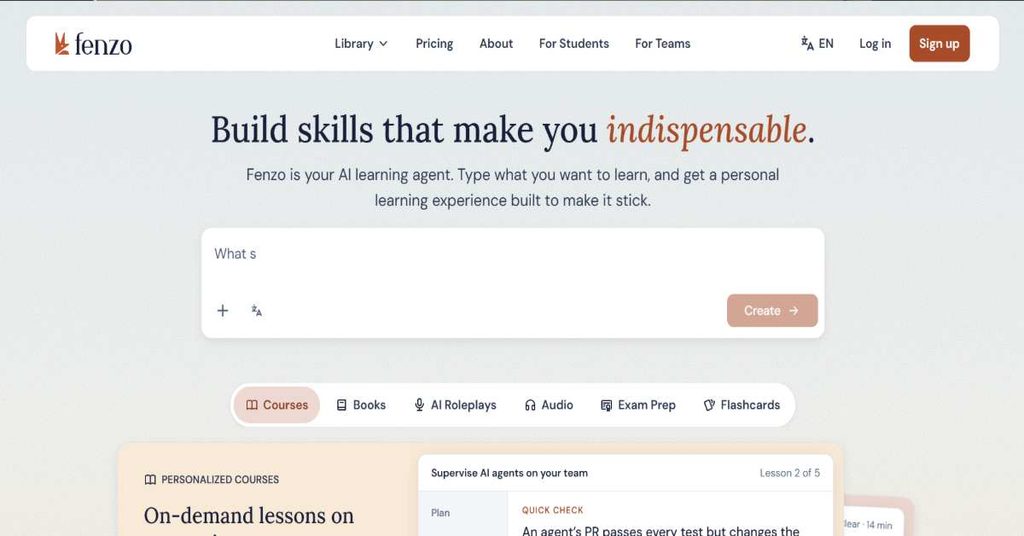
Fenzo AI is an AI-powered learning platform that helps users understand different subjects through personalized and interactive educational content. Instead of depending only on traditional video lessons or fixed course structures, the platform allows learners to create custom courses based on topics, goals, questions, and personal learning requirements. Users can also transform their own documents, presentations, and outlines into interactive learning materials. Fenzo includes visual explanations, simulations, practice exercises, and an AI mentor that can help learners understand complex concepts. Its approach is particularly relevant for people who prefer customized learning experiences and want educational material created around their individual interests.
Key Features
- AI Course Generation: Create courses based on a topic, question, or learning goal.
- Document-to-Course Conversion: Turn documents, slides, and outlines into interactive lessons.
- Visual Learning: Use visual explanations to understand difficult concepts.
- Interactive Simulations: Explore concepts through interactive educational experiences.
- Practice Exercises: Reinforce understanding through learning activities.
- AI Mentor: Get explanations and guidance while studying.
- Progress Tracking: Monitor learning progress and identify knowledge gaps.
- Book Summaries: Explore and generate book summaries.
- Course Sharing: Share learning content with classmates, friends, and colleagues.
Pluses & Minuses
| Pluses | Minuses |
|---|---|
| Generates personalized learning content. | It is not positioned as a complete enterprise LMS. |
| Supports interactive visual explanations and simulations. | Users should evaluate the AI-generated material for accuracy. |
| Converts existing documents into lessons. | Pricing details should be checked through the live pricing interface. |
| Includes an AI mentor for additional explanations. | Some advertised capabilities, including Fenzo Paths and AI Role Play, are marked as coming soon. |
Pricing
- Pro: Designed for personalized interactive courses, AI mentoring, and learning progress.
- Max: Includes the Pro capabilities with higher AI usage allowances, priority responses, and additional learning capabilities.
6. Thinkific
Best For: Course creators, educators, and businesses that want to build branded online schools and sell educational programs.
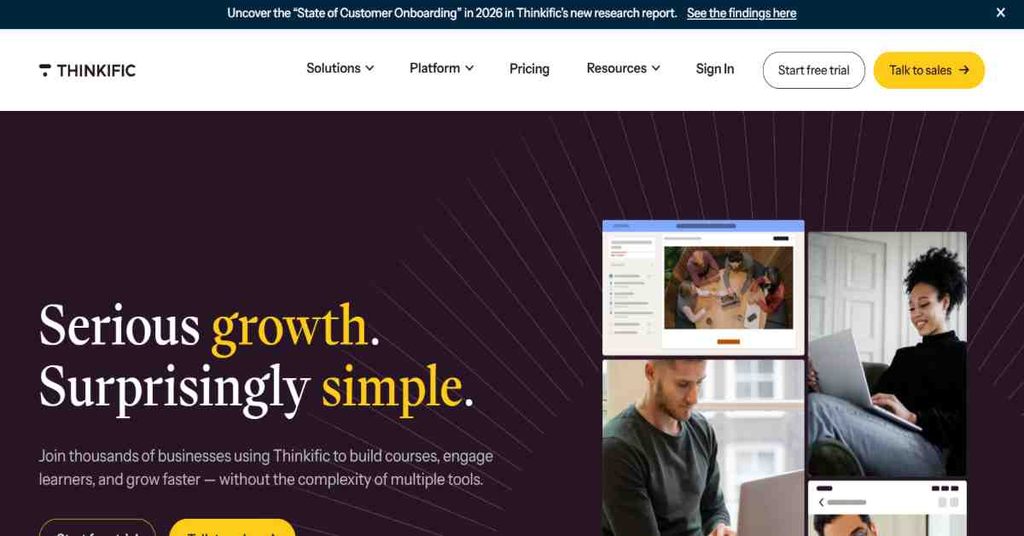
Thinkific is an online course platform that helps individuals and organizations create, market, and sell digital learning experiences. It provides tools for building courses, managing students, organizing educational content, and delivering learning programs through a branded online environment. Course creators can include videos, audio, presentations, PDFs, quizzes, assignments, and other educational materials. The platform also supports memberships, subscriptions, payment plans, and community-based learning. Thinkific is particularly useful for professionals, coaches, consultants, and businesses that want to monetize their knowledge without building a complete course delivery system from scratch. Its higher-level plans provide additional tools for scaling an online education business.
Key Features
- Drag-and-Drop Course Builder: Create courses using different educational content formats.
- Multimedia Lessons: Add videos, audio, images, PDFs, and presentations.
- Quizzes and Assignments: Evaluate student understanding.
- Certificates: Provide certificates after course completion.
- Memberships: Offer recurring access to learning content.
- Community Features: Build learning communities for students.
- Live Learning: Deliver live classes and coaching sessions.
- Payment Plans: Sell courses through different payment options.
- Marketing Tools: Use bundles, upsells, coupons, and subscriptions.
- Analytics: Monitor student engagement and business performance.
Pluses & Minuses
| Pluses | Minuses |
|---|---|
| Provides course creation and selling tools in one platform. | Does not offer a permanent free plan. |
| Supports multimedia and interactive course content. | Advanced business tools require higher-tier subscriptions. |
| Offers memberships and community features. | Pricing may be significant for beginners with limited course revenue. |
| Does not charge a platform commission on course sales according to its FAQ. | Users should compare feature limits across plans before purchasing. |
Pricing
| Plan | Monthly Billing | Annual Billing |
|---|---|---|
| Start | $109/month | $82/month |
| Grow | $219/month | Check official annual checkout |
| Expand | $499/month | Check official annual checkout |
| Thinkific Plus | Custom | Custom |
7. Kajabi
Best For: Entrepreneurs, coaches, and digital creators who want to sell courses, memberships, and digital products through one platform.
Kajabi is an all-in-one platform designed for creators and entrepreneurs who want to build and manage an online knowledge-based business. It combines online course delivery with website creation, email marketing, sales funnels, community management, and digital product monetization. Users can create educational programs, publish membership content, build landing pages, and manage customer relationships through one platform. Kajabi is particularly useful for professionals who want to sell their expertise through online courses, coaching programs, subscriptions, and other digital products. Instead of using multiple separate tools for website management, marketing, and course delivery, creators can manage many of these activities within the Kajabi ecosystem.
Key Features
- Online Course Creation: Build and publish digital courses.
- Website Builder: Create a website for an online education business.
- Email Marketing: Manage email campaigns and customer communication.
- Sales Funnels: Create marketing funnels for promoting digital products.
- Landing Pages: Build pages for product promotion and lead generation.
- Community Management: Create paid and free learning communities.
- Memberships: Offer subscription-based educational content.
- Digital Product Sales: Sell courses, coaching, and other digital products.
- Payment Integration: Manage customer payments and transactions.
- Marketing Automation: Automate selected customer and sales workflows.
Pluses & Minuses
| Pluses | Minuses |
|---|---|
| Combines courses, websites, email, and marketing tools. | Higher starting price than many basic course platforms. |
| Supports multiple digital product types. | Product and contact limits depend on the subscription. |
| Does not take a platform revenue share from course sales. | May be more extensive than necessary for someone who only wants to host a course. |
| Includes sales funnels and community capabilities. | Payment processing fees still apply. |
Pricing
| Plan | Monthly Billing | Annual Billing Equivalent |
|---|---|---|
| Basic | $179/month | $143/month |
| Growth | $249/month | $199/month |
| Pro | $499/month | $399/month |
8. Blackboard
Best For: Universities, colleges, and educational institutions that need a centralized learning management system.
Blackboard is an educational technology platform that provides learning management solutions for universities, colleges, and other educational institutions. Its Blackboard LMS helps educators create courses, distribute learning materials, manage assessments, communicate with students, and monitor academic progress. The platform is designed to support digital education and blended learning environments where students and instructors interact through online learning tools. Blackboard also includes AI-powered capabilities that assist instructors with course design, assessment creation, and learning activities. Its accessibility and integration capabilities make it suitable for institutions that need to support large student populations and connect their learning environments with other educational systems.
Key Features
- Course Management: Create and organize academic courses.
- Learning Content Delivery: Share educational materials with students.
- Assessment Management: Create and manage assignments and assessments.
- AI Design Assistant: Support course, document, assessment, and rubric creation.
- AI Conversation: Create controlled digital environments for assessing practical skills.
- Gradebook: Manage student grades and academic performance.
- Accessibility Tools: Support accessible learning experiences through Blackboard Ally.
- LTI Integrations: Connect with external educational tools.
- REST APIs: Support integrations with other institutional systems.
- Security and Compliance: Support institutional data protection requirements.
Pluses & Minuses
| Pluses | Minuses |
|---|---|
| Designed for institutional and higher education requirements. | Not primarily designed for individual course creators. |
| Includes AI-powered teaching and assessment tools. | Pricing is not displayed as a standard public subscription. |
| Supports integrations with educational technology systems. | Institutions may need implementation and technical planning. |
| Provides accessibility and security-related capabilities. | The full feature set may be more than smaller training teams need. |
Pricing
- Pricing is provided through a sales consultation.
- Costs depend on institutional requirements and deployment needs.
- Educational institutions can request a product demonstration and quotation.
9. iSpring Solutions
Best For: Businesses, trainers, and instructional designers who need to create eLearning content and manage employee training.
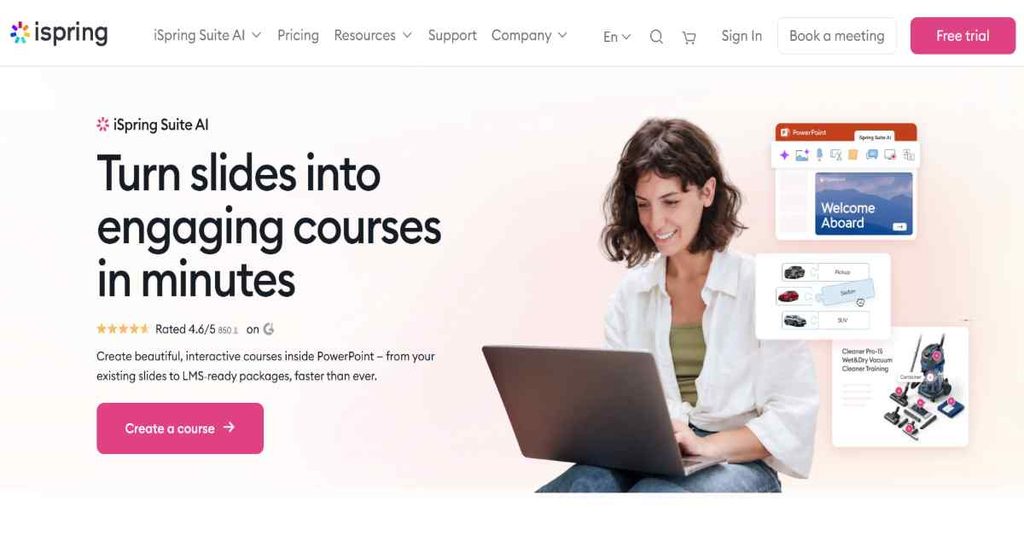
iSpring Solutions provides eLearning software designed to help organizations develop educational content and manage online training programs. Its product ecosystem includes iSpring Suite AI for creating interactive learning materials and iSpring Learn for managing employee training. iSpring Suite AI supports course development through a PowerPoint-based authoring workflow, while iSpring Learn helps organizations distribute courses, manage learners, and monitor training results. Businesses can use these products for employee onboarding, compliance training, product education, and professional development. The combination of content authoring and learning management makes iSpring a practical option for organizations that want to develop their own training materials and deliver them through a structured online learning environment.
Key Features
- eLearning Authoring: Create online training courses and educational materials.
- PowerPoint-Based Course Creation: Develop courses using a familiar PowerPoint workflow.
- AI Content Assistance: Use AI for writing, translation, and content development.
- Interactive Quizzes: Create assessments to evaluate learner knowledge.
- Role-Play Simulations: Build conversation-based learning activities.
- Video Training: Create video lessons and demonstrations.
- Learning Paths: Organize training into structured programs.
- Employee Management: Manage learners, groups, and permissions.
- Learning Analytics: Monitor employee progress and assessment results.
- Mobile Learning: Allow employees to access courses through mobile devices, including offline learning through the app.
Pluses & Minuses
| Pluses | Minuses |
|---|---|
| Combines authoring software and LMS capabilities. | Some advanced authoring workflows may require learning the software. |
| Supports PowerPoint-based course development. | Organizations should distinguish between iSpring Suite and iSpring Learn pricing. |
| Includes quizzes, simulations, and reporting. | Pricing varies with active-user volume. |
| Offers mobile and offline learning support. | The enterprise plan may require a direct sales quotation. |
Pricing
| Active Users | Price Per User/Month | Annual Price |
|---|---|---|
| 100 users | £5.41 | £6,489 |
| 300 users | £3.48 | £12,545 |
| 500 users | £3.10 | £18,582 |
| Enterprise | Custom | Custom |
10. edX
Best For: Students and professionals who want university-level courses, professional certificates, and structured academic learning online.
edX is an online education platform that provides courses and educational programs from universities and other learning organizations. It allows learners to study subjects such as computer science, business, data science, engineering, healthcare, and other professional fields. The platform offers different learning options, including individual courses, professional certificates, executive education, and selected degree programs. Many open courses provide a free audit option, allowing learners to access course videos and reading materials without purchasing a certificate. Learners who want verified credentials can upgrade to a paid track where available. edX is particularly useful for people who want to study academic subjects or develop professional skills through structured educational programs from established institutions.
Key Features
- University Courses: Access educational programs from universities and institutions.
- Professional Certificates: Complete structured learning programs for professional development.
- Executive Education: Access programs designed for professionals and business leaders.
- Online Degrees: Explore selected bachelor’s and master’s degree programs.
- Free Audit Track: Study eligible courses without paying for a verified certificate.
- Verified Certificates: Earn certificates through eligible paid courses.
- Self-Paced Learning: Study according to individual schedules where supported.
- Course Assessments: Complete assignments and graded assessments in eligible tracks.
- Multiple Learning Categories: Explore technology, business, science, and other subjects.
- Financial Assistance: Apply for eligible financial assistance on selected courses.
Pluses & Minuses
| Pluses | Minuses |
|---|---|
| Provides courses from universities and educational institutions. | Not every course offers a free audit option. |
| Offers different academic and professional learning pathways. | Verified certificates generally require payment. |
| Supports free learning through eligible audit courses. | Free audit access may be temporary and excludes graded assessments. |
| Offers professional certificates and selected degree programs. | Course availability and prices vary by program and institution. |
Pricing
| Learning Option | Pricing |
|---|---|
| Eligible Audit Courses | Free |
| Verified Course Certificates | Usually $50–$300 |
| Professional Certificates | Varies by program |
| Executive Education | Varies by program |
| Degree Programs | Varies by institution and degree |
11. Docebo
Best For: Medium-sized and large enterprises that need scalable employee, customer, and partner training.
Docebo is an enterprise learning platform designed to help organizations create, manage, deliver, and measure learning programs across different audiences. Businesses can use it to train employees, onboard customers, educate business partners, and manage professional development initiatives. The platform combines learning management, content creation, AI-powered learning tools, and reporting capabilities within a centralized environment. Its features support both instructor-led and self-paced learning, allowing organizations to deliver training in different formats. Docebo also offers integrations, automation, and multilingual learning capabilities to support organizations operating across multiple departments and geographical locations. It is particularly relevant for companies that need to manage learning at scale and connect training activities with wider business objectives.
Key Features
- Learning Management: Create, organize, and deliver training programs.
- AI Content Creation: Generate learning materials using AI-powered tools.
- AI Assistant: Support learners with AI-based assistance.
- Multi-Audience Training: Manage learning for employees, customers, and partners.
- Blended Learning: Combine online learning with instructor-led training.
- Compliance Management: Monitor certifications and mandatory training.
- Learning Automation: Automate administrative tasks and learning workflows.
- Multilingual Learning: Support international learning programs.
- Reporting and Analytics: Monitor learning activity and performance.
- Integrations: Connect with HR, CRM, and other business applications.
Pluses & Minuses
| Pluses | Minuses |
|---|---|
| Designed for enterprise-level learning operations. | Public pricing is not available for all plans. |
| Supports multiple training audiences. | Organizations may need a higher budget for enterprise capabilities. |
| Includes AI-powered content creation and learning tools. | Advanced integrations and services depend on the selected package. |
| Supports compliance tracking and reporting. | Smaller organizations may not require its full enterprise feature set. |
Pricing
| Plan | Pricing |
|---|---|
| Elevate | Request pricing |
| Enterprise | Request pricing |
| Skills Intelligence | Contact sales |
12. LearnUpon
Best For: Businesses that want to deliver structured training to employees, customers, partners, and professional communities.
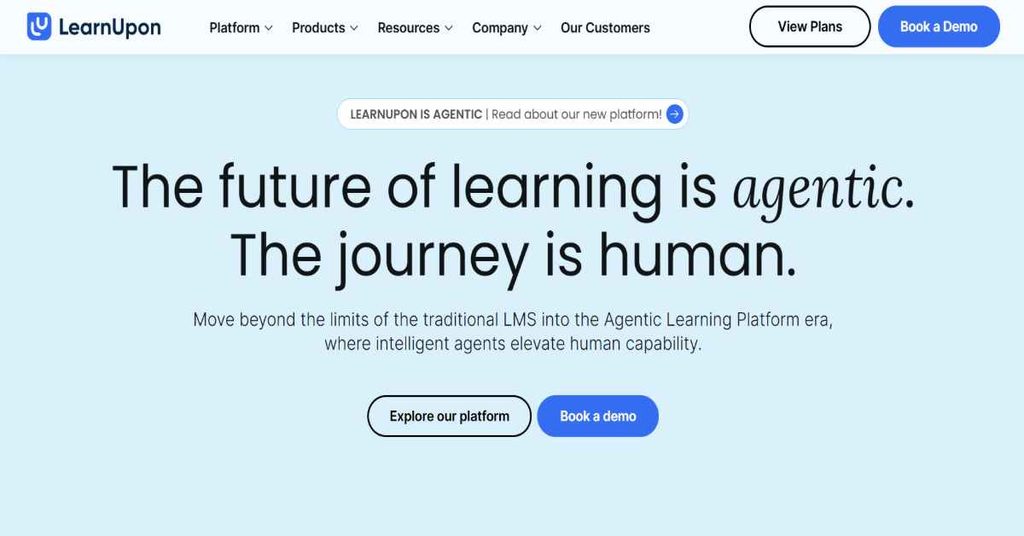
LearnUpon is a learning management system designed to help organizations create, manage, and deliver training programs to different audiences. It supports employee education, customer onboarding, partner training, and association-based learning through a centralized platform. Businesses can create courses, organize learning journeys, assign training activities, and monitor learner performance through reporting and analytics tools. The platform also supports assessments, certifications, instructor-led training, and integrations with business applications. LearnUpon offers different solutions based on the type of audience an organization wants to train, making it useful for businesses that need more than a basic internal employee training system. Its implementation and customer support services are also part of its organizational offering.
Key Features
- Course Management: Create and organize online training programs.
- Learning Journeys: Build structured learning experiences for different audiences.
- Employee Training: Deliver onboarding and professional development programs.
- Customer Education: Create courses to educate and onboard customers.
- Partner Training: Manage learning programs for external business partners.
- Assessments and Exams: Evaluate learner knowledge and progress.
- Certifications: Manage training certifications and renewals.
- Instructor-Led Training: Support live learning and classroom-based sessions.
- AI-Powered Assessments: Use AI to support assessment creation.
- Reporting and Analytics: Track learning progress and results.
- Integrations: Connect with HR systems, HubSpot, Salesforce, and other applications.
Pluses & Minuses
| Pluses | Minuses |
|---|---|
| Supports employee, customer, and partner education. | Not positioned for organizations needing an LMS for fewer than 100 users. |
| Offers structured learning journeys and certifications. | Pricing is not publicly displayed as fixed subscription amounts. |
| Includes implementation and customer success support. | Organizations must book a demo to understand their specific quotation. |
| Supports business integrations and reporting. | Not specifically designed as a primary K-12 or higher education LMS. |
Pricing
| Solution | Minimum User Requirement | Pricing |
|---|---|---|
| LearnUpon for Employees | 100 users | Request pricing |
| LearnUpon for Customer Education | 300 users | Request pricing |
| LearnUpon for Associations | 150 users | Request pricing |
13. Udacity
Best For: Students and professionals who want practical technology skills through project-based learning and career-focused programs.
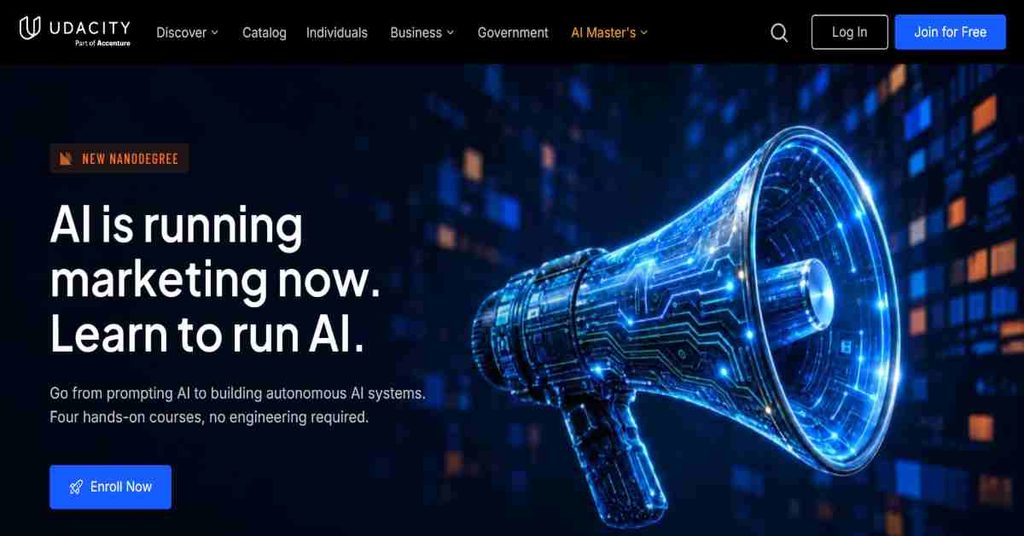
Udacity is an online education platform focused on technology, digital skills, and professional development. It offers structured learning programs called Nanodegrees, along with individual courses covering subjects such as artificial intelligence, data science, programming, cloud computing, business analytics, and software development. Its educational approach emphasizes practical learning through real-world projects rather than relying exclusively on theoretical lessons. Learners can work on project assignments and receive personalized project reviews as part of eligible programs. Udacity also provides access to instructors, technical learning resources, and career-related support depending on the program. It is suitable for individuals who want to develop job-related technology skills and build practical experience through structured online education.
Key Features
- Nanodegree Programs: Access structured career-focused learning programs.
- Technology Courses: Study programming, AI, data science, and other technical subjects.
- Hands-On Projects: Apply concepts through practical project assignments.
- Personalized Project Reviews: Receive feedback on submitted projects.
- Expert Instructors: Learn from professionals with relevant industry experience.
- Career Coaching: Access career-related support included in eligible subscription offerings.
- Flexible Learning: Study through an online learning environment.
- Skill Development: Build practical knowledge for technology-related roles.
- Program Certificates: Earn certificates after meeting program requirements.
- Course Catalog: Access different technology and professional learning subjects.
Pluses & Minuses
| Pluses | Minuses |
|---|---|
| Focuses on practical, project-based learning. | Its subscription pricing is relatively high compared with many general course platforms. |
| Offers technology-focused Nanodegree programs. | It is more specialized than a general education marketplace. |
| Includes personalized project reviews. | Subscription access is time-dependent. |
| Provides career-related support with eligible offerings. | The current model may not suit learners seeking a single low-cost course purchase. |
Pricing
| Option | Official Price |
|---|---|
| Monthly Subscription | $249/month |
| Four-Month Bundle | $846 total |
| Individual Course | Some course pages display $999 one-time |
14. Teachable
Best For: Coaches, educators, entrepreneurs, and creators who want to sell online courses, coaching programs, and digital products.
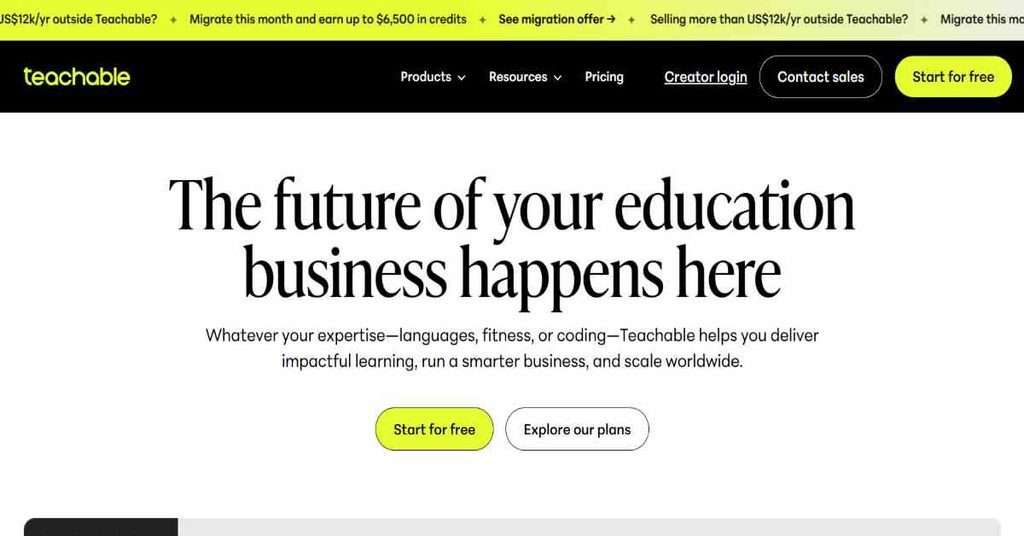
Teachable is an online education platform designed to help creators turn their knowledge and expertise into digital learning products. It provides tools for creating courses, offering coaching services, managing students, and selling educational content through a branded online school. Creators can organize lessons, add multimedia content, manage memberships, and use marketing features to promote their products. The platform also includes payment processing capabilities and tools for handling international tax requirements. Its different subscription plans are designed to support creators at different stages, from launching their first educational product to managing larger online education businesses. Teachable is particularly useful for individuals who want to monetize their expertise without building their own payment and course delivery infrastructure.
Key Features
- Course Creation: Create and publish online courses.
- AI Course Creation: Use AI tools to support product development.
- Coaching Products: Sell coaching programs and services.
- Digital Downloads: Offer downloadable educational materials.
- Student Management: Manage enrolled students and course access.
- Memberships: Provide ongoing access to learning content.
- Quizzes and Assessments: Evaluate student learning.
- Course Certificates: Issue certificates on eligible plans.
- Marketing Tools: Use upsells, coupons, and cart recovery features.
- Payment Management: Accept payments through supported payment systems.
- Tax Management: Support global tax handling features.
Pluses & Minuses
| Pluses | Minuses |
|---|---|
| Supports courses, coaching, and digital downloads. | Starter includes a 7.5% transaction fee. |
| Offers tools for international payments and taxes. | Product limits vary by plan. |
| Provides AI-assisted content creation. | Some advanced features are available only on higher plans. |
| Supports student management and memberships. | A free permanent plan is not available. |
Pricing
| Plan | Monthly Billing | Annual Billing Equivalent |
|---|---|---|
| Starter | $39/month | $29/month |
| Builder | $89/month | $69/month |
| Growth | $189/month | $139/month |
| Custom | Contact sales | Contact sales |
15. Coursera
Best For: Students, working professionals, and career changers who want university-backed courses and industry-recognized professional certificates.
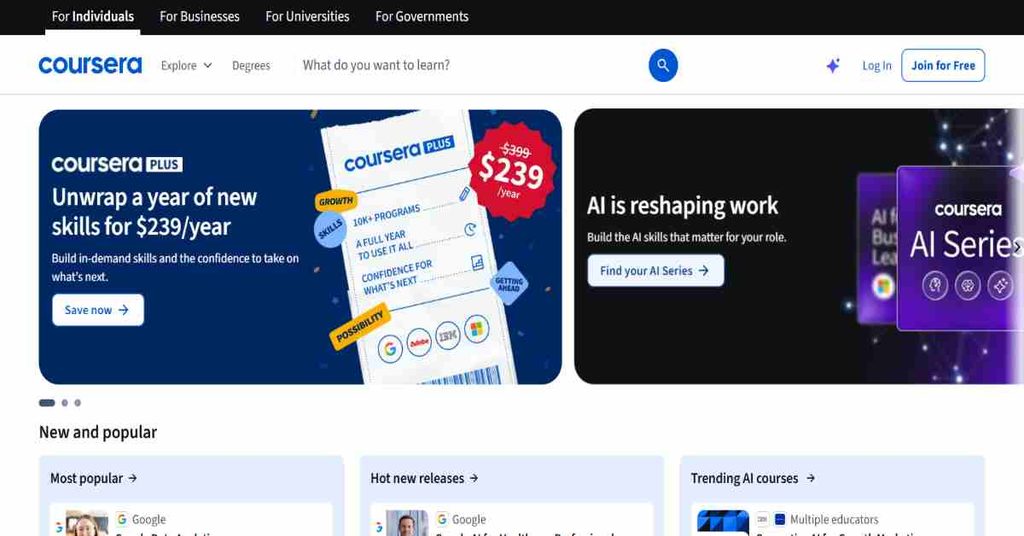
Coursera is an online learning platform that connects learners with educational programs from universities and companies around the world. It provides courses, Specializations, Professional Certificates, and selected degree programs across subjects such as business, technology, data science, computer science, healthcare, and personal development. Learners can access educational materials from academic institutions and industry partners while studying through a flexible online environment. The platform also offers practical learning experiences through guided projects, hands-on labs, and assessments in eligible programs. Coursera is suitable for individuals who want to improve their professional knowledge, explore new career opportunities, or earn credentials from recognized educational and industry organizations.
Key Features
- University Courses: Access courses created by universities and educational institutions.
- Professional Certificates: Complete career-focused certificate programs.
- Specializations: Study structured collections of related courses.
- Online Degrees: Explore selected academic degree programs.
- Guided Projects: Gain practical experience through guided learning activities.
- Hands-On Labs: Practice technical skills in supported learning environments.
- Assessments: Evaluate knowledge through course assignments and tests.
- Certificates: Earn credentials after completing eligible programs.
- Coursera Plus: Access thousands of eligible learning programs through a subscription.
- Career Learning: Develop skills across business, IT, AI, data, and other professional fields.
Pluses & Minuses
| Pluses | Minuses |
|---|---|
| Provides courses from universities and industry partners. | Not all courses and programs are included in Coursera Plus. |
| Offers professional certificates and Specializations. | Degrees and MasterTrack programs are excluded from Coursera Plus. |
| Supports practical learning through projects and labs. | Some programs require separate payments or subscriptions. |
| Offers flexible individual and subscription-based learning. | Subscription value depends on how frequently learners use the included courses. |
Pricing
| Option | Official Price |
|---|---|
| Individual Courses and Programs | $49–$79/month, depending on the program |
| Coursera Plus Monthly | $59/month |
| Coursera Plus Annual | $399/year |
| Coursera for Teams | Per-user quotation |
16. Skillshare
Best For: Creative professionals, beginners, freelancers, and hobby learners interested in design, illustration, photography, video, and entrepreneurship.
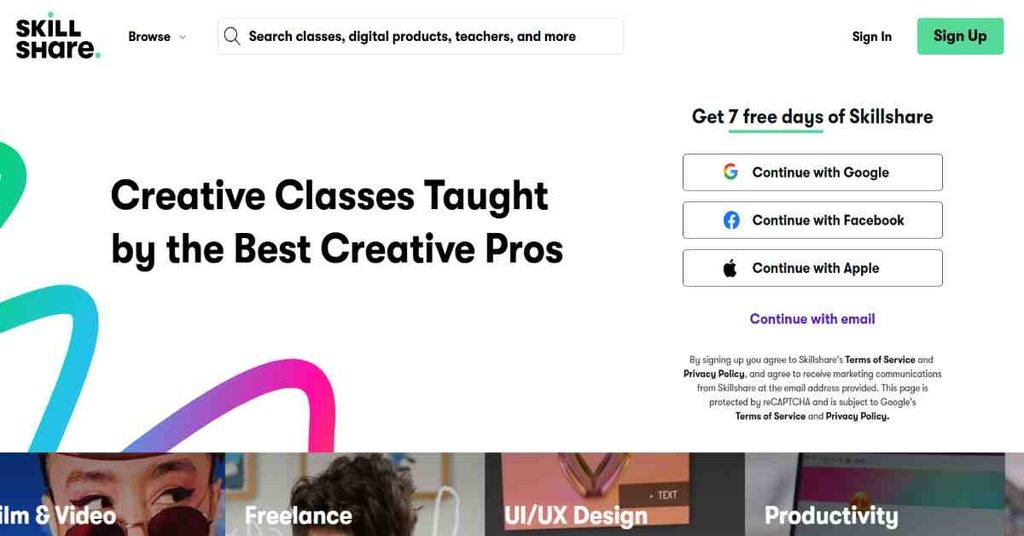
Skillshare is an online learning community that focuses on creative skills, practical knowledge, and personal development. It offers thousands of classes across subjects such as graphic design, illustration, photography, filmmaking, video editing, marketing, entrepreneurship, and productivity. Learners can access classes taught by creative professionals and experienced instructors through a membership-based learning model. The platform encourages practical learning through class projects, exercises, and community participation, allowing members to apply what they learn and receive feedback from other learners. Skillshare is particularly useful for people who want to explore creative subjects, improve existing skills, or develop new interests through flexible online classes.
Key Features
- Creative Classes: Access courses in design, art, photography, and other creative fields.
- On-Demand Learning: Watch classes according to personal schedules.
- Industry Teachers: Learn from experienced professionals and creative instructors.
- Learning Paths: Follow curated learning sequences for specific skills.
- Class Projects: Apply lessons through practical activities.
- Creative Community: Interact with other learners and share work.
- Offline Viewing: Access eligible content offline through supported apps.
- Mobile Learning: Study through desktop and mobile applications.
- Subtitles and Transcripts: Access additional learning support.
- Certificates and Badges: Receive platform recognition for learning achievements.
Pluses & Minuses
| Pluses | Minuses |
|---|---|
| Provides thousands of creative and practical classes. | Its main focus is creative education rather than formal academic qualifications. |
| Offers flexible on-demand learning. | Full membership access requires a paid subscription after the trial. |
| Includes learning paths and community participation. | Subscription pricing can vary by region. |
| Supports desktop and mobile learning. | Course availability and class depth vary depending on the instructor and subject. |
Pricing
| Membership | Price |
|---|---|
| Annual Membership | $167.88/year |
| Monthly Equivalent | $13.99/month |
What Features Should Online Learning Platforms Include?
A good online learning platform should provide essential tools that make learning simple, interactive, and accessible. Before choosing a platform, consider these important features:
- Easy-to-Use Interface: Simple navigation for learners, instructors, and administrators.
- Course Creation Tools: Options to create and manage courses using videos, PDFs, presentations, and other content.
- Interactive Learning: Quizzes, assignments, live classes, and discussion tools.
- Mobile Compatibility: Access courses through smartphones, tablets, and computers.
- Progress Tracking: Monitor course completion, learner performance, and training activities.
- Certificates: Provide certificates for eligible completed courses.
- AI-Powered Tools: Support content creation, personalized recommendations, and learning assistance.
- Third-Party Integrations: Connect with payment gateways, CRM systems, and business applications.
- Security: Protect learner information through appropriate security and access controls.
- Flexible Pricing: Offer plans that match different budgets, user numbers, and learning requirements.
How to Choose the Best Online Course Platform for Your Business
Selecting the right online course platform can help your business deliver effective training and manage educational content efficiently. Consider these factors before making a decision.
- Define Your Goals: Identify whether you need employee training, customer education, or course selling.
- Understand Your Audience: Choose a platform that matches your learners’ requirements.
- Compare Features: Check course creation, assessments, reporting, and automation tools.
- Check Scalability: Make sure the platform can support your business as it grows.
- Review Integrations: Look for compatibility with your existing business software.
- Compare Pricing: Evaluate subscription costs, user limits, and additional fees.
- Test Before Purchasing: Use available free trials or product demonstrations to evaluate the platform.
The best platform should match your business needs, budget, and long-term learning objectives.
Free vs Paid Online Learning Platforms
| Comparison | Free Platforms | Paid Platforms |
|---|---|---|
| Course Access | Limited or selected courses | Broader access, depending on plan |
| Certificates | Often paid separately | Available on eligible programs |
| Learning Tools | Basic features | Advanced features may be included |
| Support | Limited or standard | Additional support options |
| Analytics | Basic tracking | Advanced reporting on selected plans |
| Business Training | Limited capabilities | More administrative tools |
| Cost | Free | Monthly, annual, or course-based fees |
Which Should You Choose?
- Free Platforms: Best for beginners, students, and people exploring new subjects.
- Paid Platforms: Better suited to professionals, course creators, and businesses needing advanced learning features.
Choose according to your learning goals rather than price alone.
Final Verdict
Choosing the best online learning platform depends on your individual or business requirements. LearnWorlds and Thinkific are useful for course creators, Coursera and edX offer university-backed education, while TalentLMS, Docebo, and LearnUpon focus on organizational training.
Kajabi and Teachable are suitable for digital course businesses, whereas Skillshare is a useful option for creative learning.
Before making your decision, compare features, pricing, course availability, and scalability. The right platform should provide a convenient learning experience and help you achieve your educational or business goals.
Frequently Asked Questions
1. What is an online learning platform?
An online learning platform is a digital service that allows users to access, create, and manage educational courses through the internet.
2. Which is the best online learning platform?
Popular options include Coursera, edX, LearnWorlds, Thinkific, TalentLMS, and Udacity. The best choice depends on your requirements.
3. Are there free online learning platforms?
Yes. Platforms such as edX offer free access to eligible courses, while TalentLMS provides a limited free plan.
4. Which platform is best for businesses?
TalentLMS, Docebo, LearnUpon, and Sana offer learning management solutions for businesses.
5. Can I sell courses online?
Yes. LearnWorlds, Thinkific, Kajabi, and Teachable provide tools for creating and selling online courses.
6. How much do online learning platforms cost?
Pricing ranges from free options to paid subscriptions costing hundreds of dollars monthly. Enterprise platforms may offer custom pricing.
7. Do online learning platforms provide certificates?
Yes. Many platforms offer certificates for eligible courses and completed learning programs.
8. What features should an online learning platform have?
Important features include course creation, interactive lessons, assessments, progress tracking, mobile access, and reporting.
9. Are paid learning platforms worth it?
They can be worthwhile if you need premium courses, professional certificates, advanced learning tools, or business training features.
10. Can I learn using a mobile phone?
Yes. Most major platforms support mobile-friendly websites or dedicated applications.
11. What is the difference between an LMS and an online learning platform?
An LMS focuses on managing and tracking training, while an online learning platform is a broader term that also includes course marketplaces and educational services.
12. How do I choose the right online learning platform?
Compare your learning goals, budget, required features, user experience, and available courses before selecting a platform.