
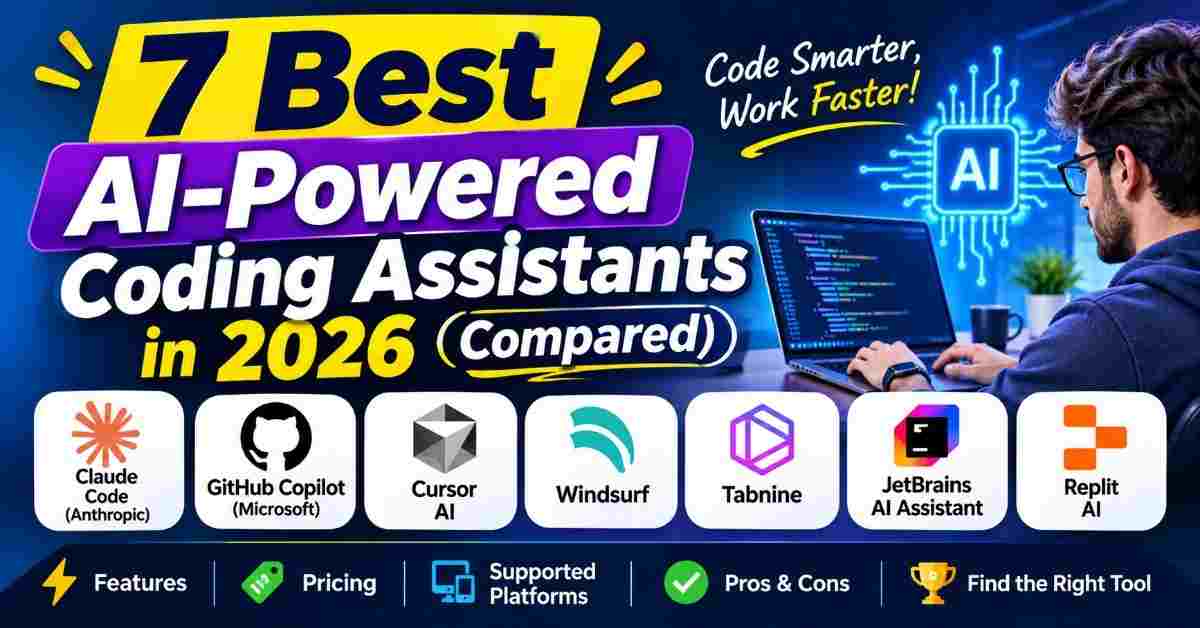
Today, AI is making coding easier and faster. Best AI-Powered Coding Assistants help developers write code, fix errors, and build websites or applications with less effort. You don’t need to write every line of code manually because these tools can suggest and generate code for you. In this article, we will explore 7 popular AI coding assistants, including Claude Code, GitHub Copilot, Cursor AI, Windsurf, Tabnine, JetBrains AI Assistant, and Replit AI. Let’s compare their features, pricing, advantages, and disadvantages to find the right tool for your coding needs.
What Are Best AI-Powered Coding Assistants?
AI-powered coding assistants are tools that use artificial intelligence to help developers write, understand, edit, and fix code. They can generate code from simple instructions, explain errors, and suggest improvements.
Popular tools like Claude Code, GitHub Copilot, Cursor AI, Windsurf, Tabnine, JetBrains AI Assistant, and Replit AI make programming easier and faster.
Common uses include:
- Code Generation: Create code using simple text instructions.
- Code Completion: Suggest the next lines of code automatically.
- Debugging: Find errors and suggest possible fixes.
- Code Explanation: Help users understand complex code.
- Testing: Generate tests and improve code quality.
- Project Development: Help build and edit applications.
Why Are AI Coding Assistants Important?
AI coding assistants are important because they save development time, reduce repetitive work, and help developers build applications more efficiently. They are useful for beginners, freelancers, professional developers, and businesses.
Key Benefits:
- Save Time: Write and complete code faster.
- Improve Productivity: Handle repetitive coding tasks easily.
- Easy Learning: Help beginners understand programming.
- Fix Errors: Identify bugs and suggest solutions.
- Better Code Quality: Improve existing code and generate tests.
- Faster Development: Build websites and applications more efficiently.
Whether you use GitHub Copilot for everyday coding, Cursor AI for AI-powered editing, Claude Code for complex projects, or Replit AI for building applications, these tools can make software development easier.
Quick Comparison of the Top 7 AI Coding Assistants
Here is a quick comparison of the 7 popular Best AI-Powered Coding Assistants. Compare their main uses, pricing options, and supported platforms to find the right tool.
| AI Coding Assistant | Best For | Pricing |
|---|---|---|
| Claude Code | Complex coding tasks | Paid plans / API |
| GitHub Copilot | Everyday coding | Free / Paid |
| Cursor AI | AI-powered code editing | Free / Paid |
| Windsurf | AI-assisted development | Free / Paid |
| Tabnine | Privacy-focused coding | Paid plans |
| JetBrains AI Assistant | JetBrains IDE users | Free / Paid |
| Replit AI | Beginners and app building | Free / Paid |
Pricing and available features may change. Check official websites for the latest plans.
Top 7 AI-Powered Coding Assistants in 2026
These Best AI-Powered Coding Assistants help developers write code, fix errors, build applications, and save development time.
1. Claude Code (Anthropic)
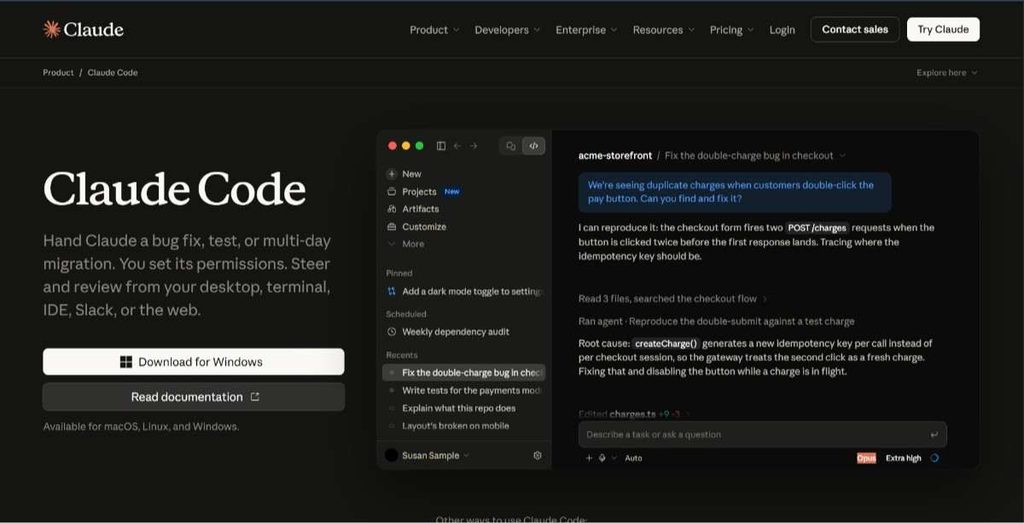
Overview: Claude Code is an AI coding assistant that helps developers write, edit, and debug code through the terminal.
Key Features:
- Generates and edits code.
- Understands large projects.
- Finds and fixes bugs.
- Supports testing and debugging.
Supported Platforms: Windows, macOS, Linux, VS Code, JetBrains.
Pricing: Paid Claude plans start at $20/month.
Pros:
- Handles complex coding tasks.
- Understands project structure.
Cons:
- Requires terminal knowledge.
- Usage limits apply.
Best For: Professional developers and large projects.
2. GitHub Copilot (Microsoft / GitHub)
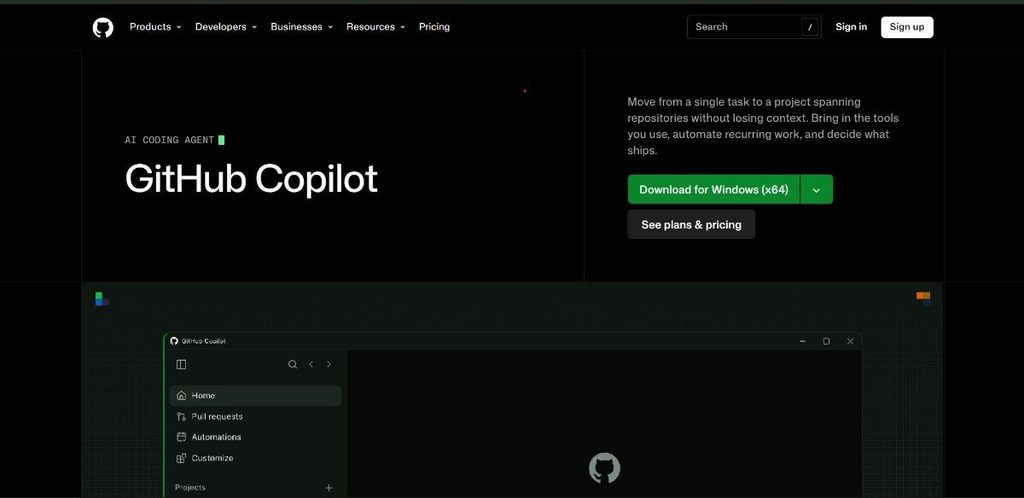
Overview: GitHub Copilot helps developers write code faster with AI suggestions and automatic code completion.
Key Features:
- Code suggestions.
- Automatic code completion.
- Code explanations.
- Bug fixing support.
Supported Platforms: VS Code, Visual Studio, JetBrains, Neovim, GitHub.com.
Pricing: Free plan available; Pro starts at around $10/month.
Pros:
- Beginner-friendly.
- Supports multiple languages.
Cons:
- Advanced features require payment.
- Suggestions need review.
Best For: Beginners, professional developers, and coding teams.
3. Cursor AI
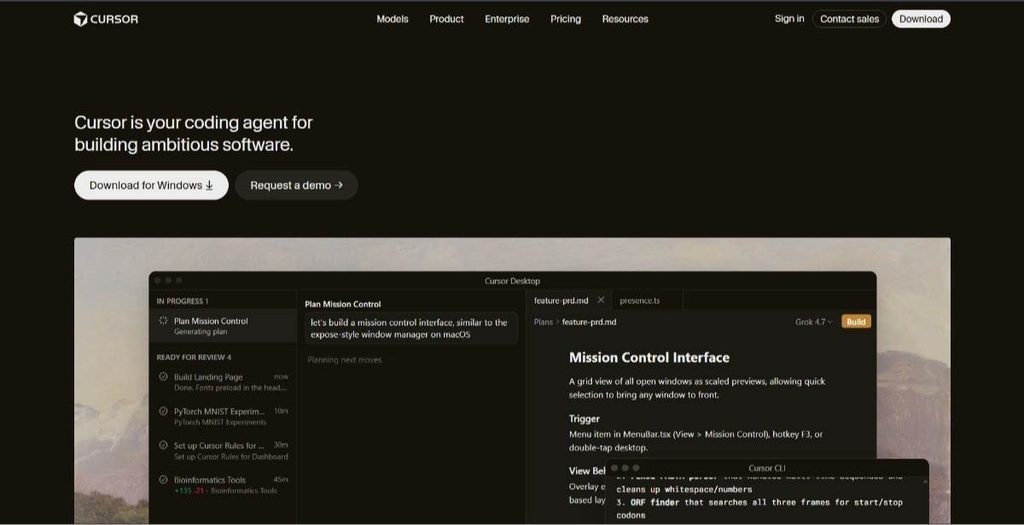
Overview: Cursor AI is an AI-powered code editor that helps developers write, edit, and improve code using simple instructions.
Key Features:
- AI code generation.
- Codebase understanding.
- Multi-file editing.
- AI chat and agent mode.
Supported Platforms: Windows, macOS, Linux.
Pricing: Free plan available; paid plans start around $8/month.
Pros:
- Easy AI-powered editing.
- Supports multiple AI models.
Cons:
- Requires learning a new editor.
- Advanced usage can cost more.
Best For: Developers who want faster AI-assisted coding.
4. Windsurf

Overview: Windsurf is an AI coding editor that helps developers build applications and manage coding tasks with its Cascade AI assistant.
Key Features:
- Cascade AI assistant.
- Code generation.
- Project understanding.
- Multi-file editing.
Supported Platforms: Windows, macOS, Linux.
Pricing: Free plan available; paid plans vary.
Pros:
- Easy coding workflow.
- Helps with complex projects.
Cons:
- Advanced features may cost more.
- AI results need review.
Best For: Developers who want an AI-powered development environment.
5. Tabnine
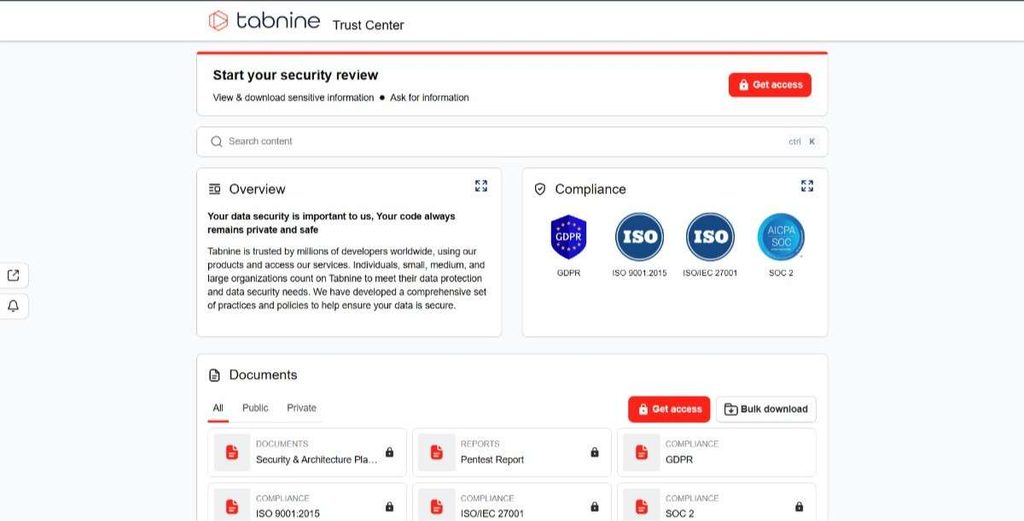
Overview: Tabnine is an AI coding assistant that helps developers write code faster while offering privacy-focused solutions for businesses.
Key Features:
- AI code completion.
- Code generation.
- Code explanations.
- Enterprise privacy options.
Supported Platforms: VS Code, IntelliJ IDEA, PyCharm, Eclipse, and other IDEs.
Pricing: Paid plans start around $39/user/month on annual billing.
Pros:
- Privacy-focused options.
- Useful for development teams.
Cons:
- More expensive than some alternatives.
- Advanced features are paid.
Best For: Businesses and professional development teams.
6. JetBrains AI Assistant
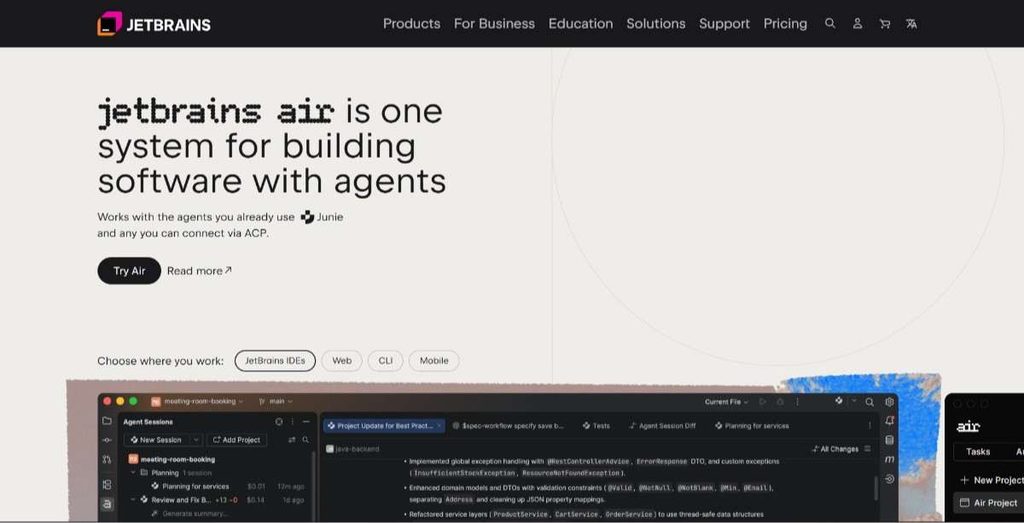
Overview: JetBrains AI Assistant helps developers generate code, explain programming concepts, and improve code directly inside JetBrains IDEs.
Key Features:
- AI code completion.
- Code generation.
- AI chat.
- Documentation and test generation.
Supported Platforms: IntelliJ IDEA, PyCharm, WebStorm, PhpStorm, and other JetBrains IDEs.
Pricing: Free plan available; paid plans vary.
Pros:
- Works inside JetBrains IDEs.
- Supports multiple programming languages.
Cons:
- Mainly useful for JetBrains users.
- Advanced features may require payment.
Best For: Developers who use JetBrains development tools.
7. Replit AI
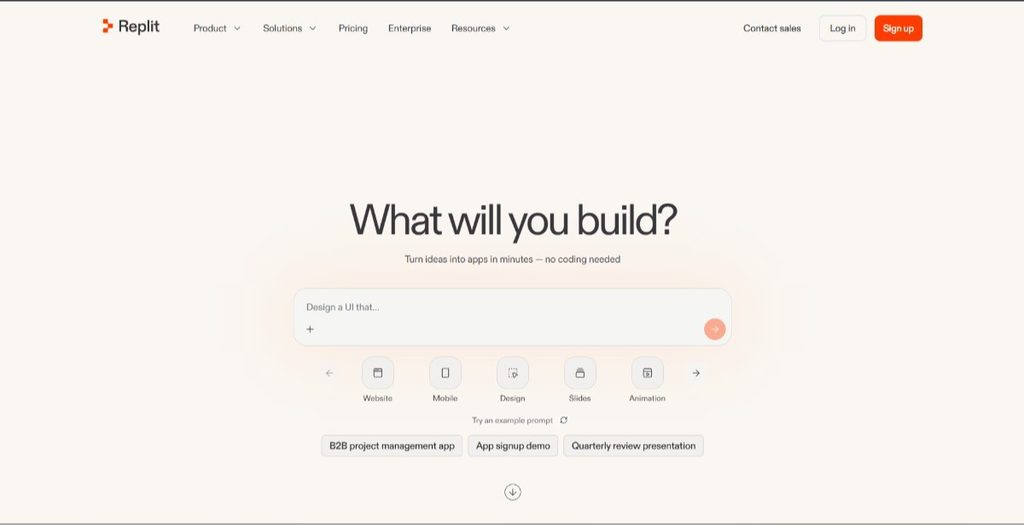
Overview: Replit AI helps users create websites and applications using simple text instructions without complicated software installation.
Key Features:
- AI application generation.
- Replit Agent.
- Online code editor.
- Testing and deployment.
Supported Platforms: Web browsers, Windows, macOS, Linux, mobile browsers.
Pricing: Free Starter plan available; paid plans vary.
Pros:
- Beginner-friendly.
- No complicated setup.
Cons:
- Requires internet access.
- Advanced usage can be expensive.
Best For: Beginners, students, freelancers, and startups.
How to Choose the Best AI Coding Assistant?
Choosing the right Best AI-Powered Coding Assistants depends on your experience, project requirements, and budget. Before selecting a tool, consider these important points:
- Ease of Use: Choose a simple tool if you are a beginner. Replit AI and GitHub Copilot are good options.
- Features: Check for code generation, debugging, code completion, and AI chat.
- Supported Platforms: Make sure the tool works with your preferred editor and operating system.
- Pricing: Compare free and paid plans before subscribing.
- Programming Languages: Check whether it supports languages like Python, JavaScript, Java, and C++.
- Privacy: Review how the tool handles your code and project information.
Free vs Paid AI Coding Assistants: Which Is Better?
Many AI coding assistants offer free and paid plans. Free plans are useful for basic coding, while paid plans usually provide more features and higher usage limits.
| Free AI Coding Assistants | Paid AI Coding Assistants |
|---|---|
| Good for beginners | Better for professional use |
| Basic coding assistance | Advanced AI features |
| Limited usage | Higher usage limits |
| Basic code suggestions | More advanced coding support |
| Suitable for learning | Suitable for larger projects |
Which Should You Choose?
If you are learning programming, start with free options like GitHub Copilot, Cursor AI, Windsurf, or Replit AI. If you work on professional projects, consider paid options like Claude Code, Tabnine, or JetBrains AI Assistant based on your needs.
Benefits of Using AI-Powered Coding Assistants
AI coding assistants make programming easier by helping developers complete tasks faster and improve their workflow.
- Save Time: Generate code without writing everything manually.
- Fix Errors: Find bugs and get suggestions to solve them.
- Easy Learning: Understand programming concepts with simple explanations.
- Improve Productivity: Complete repetitive coding tasks faster.
- Code Suggestions: Get helpful suggestions while writing code.
- Build Applications: Create websites and applications with AI assistance.
Limitations of AI Coding Assistants
AI coding assistants are helpful, but they also have some limitations. Developers should understand these points before using them.
- Incorrect Suggestions: AI can sometimes generate wrong code.
- Security Issues: Generated code may contain security problems.
- Usage Limits: Free plans may have limited requests or features.
- Internet Requirements: Some tools need an internet connection.
- Manual Checking: Developers must review and test AI-generated code.
- Extra Costs: Advanced features and AI model usage may require payment.
Tips for Getting Better Results from AI Coding Tools
Follow these simple tips to get better results from AI coding assistants:
- Give clear instructions about what you want to build.
- Mention your programming language and project requirements.
- Share error messages when asking for debugging help.
- Ask AI to explain code you do not understand.
- Review generated code before using it.
- Test your application after making changes.
- Never share passwords, API keys, or sensitive information.
Final Thoughts
AI-powered coding assistants are making software development easier and faster. Tools like Claude Code, GitHub Copilot, Cursor AI, Windsurf, Tabnine, JetBrains AI Assistant, and Replit AI offer different features for different users.
If you are a beginner, try GitHub Copilot or Replit AI. For advanced coding tasks, explore Claude Code or Cursor AI. Developers using JetBrains tools can choose JetBrains AI Assistant, while businesses can consider Tabnine for privacy-focused coding support.
Before choosing a tool, compare its features, pricing, and supported platforms. Select the one that matches your coding needs and helps you work more efficiently.
Frequently Asked Questions (FAQs)
1. What Is an AI Coding Assistant?
An AI coding assistant is a tool that uses artificial intelligence to help developers write, understand, and fix code. It makes programming easier and faster.
2. Which Is the Best AI Coding Assistant in 2026?
Claude Code, GitHub Copilot, and Cursor AI are popular choices. The best option depends on your coding needs and budget.
3. Are AI Coding Assistants Free?
Some AI coding assistants offer free plans, including GitHub Copilot, Cursor AI, Windsurf, and Replit AI. Advanced features may require payment.
4. Which AI Coding Assistant Is Best for Beginners?
Replit AI and GitHub Copilot are good options for beginners because they offer helpful coding suggestions and make programming easier to understand.
5. Can AI Coding Assistants Write Complete Code?
Yes. Many AI coding assistants can generate complete functions, create files, and help build applications. However, developers should review and test the code.
6. Can AI Coding Assistants Fix Coding Errors?
Yes. Tools like Claude Code, Cursor AI, and GitHub Copilot can help identify errors, explain problems, and suggest possible fixes.
7. Which AI Coding Assistant Is Best for Professional Developers?
Claude Code, Cursor AI, and JetBrains AI Assistant are useful options for professional developers working on different types of software projects.
8. Do AI Coding Assistants Support Multiple Programming Languages?
Yes. Many tools support languages such as Python, JavaScript, Java, C++, PHP, and other popular programming languages.
9. Can I Use AI Coding Assistants Without Coding Experience?
Yes. Beginners can use tools like Replit AI to create simple applications and learn programming. However, understanding basic coding concepts is still helpful.
10. Can AI Coding Assistants Replace Human Developers?
No. AI coding assistants can help with coding tasks, but human developers are still needed for problem-solving, testing, security, and making important project decisions.